Kling vs Runway 2026: Which AI Video Generator Should You Choose?


Kling wins on value, Runway wins for creative pros
Kling AI wins this duel on price-to-quality ratio: cinema-grade quality nearly matching Runway, clips up to 3 minutes, and 42% cheaper pricing (from $6.99/mo vs $12/mo for Runway). It's the obvious choice for 80% of independent creators and YouTubers.
Runway remains essential if you're a motion design pro or post-production specialist: it's the only platform that integrates generation + video editing + masking + color grading in a single interface. Runway Gen-4.5 is also 3-4x faster than Kling at generation.
📖 Table of Contents
- Quick overview: Kling AI vs Runway in 30 seconds
- Video quality: who produces the best clips?
- Clip duration: major advantage for Kling
- Generation speed: Runway is 3x faster
- Pricing and plans: the real monthly cost
- Ease of use and interface
- Use cases: who should choose what?
- Complete comparison table
- FAQ - Kling vs Runway
- Final verdict 2026
This duel is part of our top 10 best AI video generators 2026. To compare Kling with other alternatives, also check Kling vs Sora, Kling vs Veo 3 or Kling vs Pika. To explore the Runway ecosystem, read our Runway vs Veo 3.
Quick overview: Kling AI vs Runway in 30 seconds
In an increasingly competitive AI video market (Kling, Runway, Veo 3, Sora 2), this comparison zeroes in on two giants: Kling AI (developed by Kuaishou, based in China) and Runway (the historic American reference since 2018, used by Hollywood studios). Both tools now produce AI videos of near-cinema quality, but their philosophies are radically different.
Kling bets on raw quality + price: a powerful model that handles physics with impressive realism, starting at $6.99/month. Runway bets on the complete creative ecosystem: generation + editing + masks + color grading + character consistency, all in a single professional platform starting at $12/month.
This comparison draws on both vendors' official documentation, their public pricing and verified user reviews (G2, Trustpilot), across the styles that matter most to creators (e-commerce ads, YouTube content, motion design, cinematic). Here's our honest take on who wins this duel in 2026.
Video quality: who produces the best clips?
Kling AI: the king of realistic physics
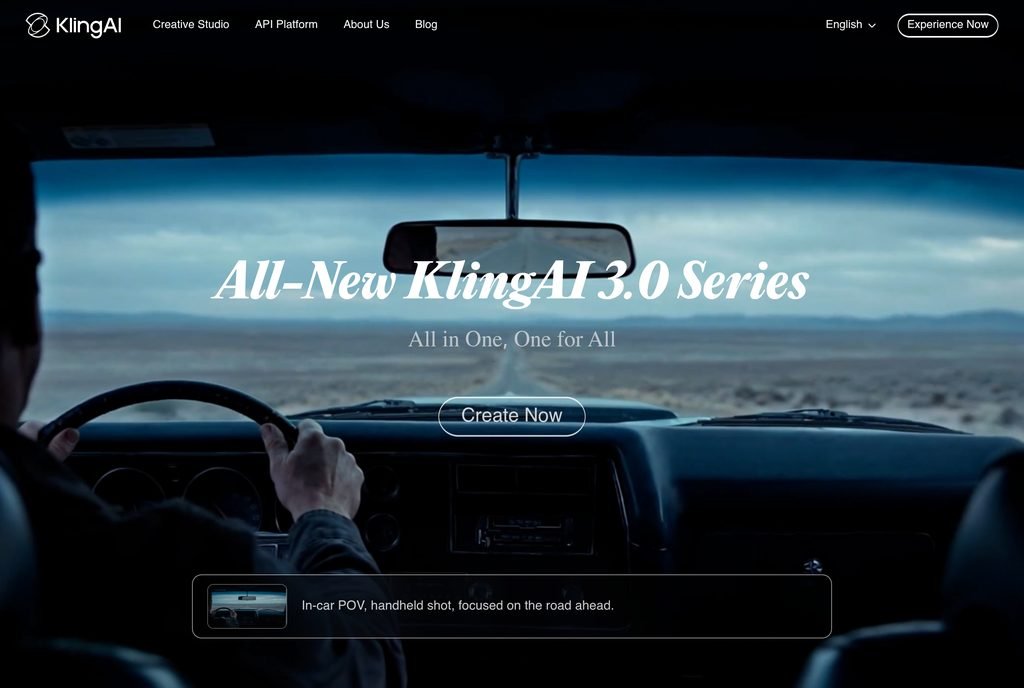
Kling (version 2.6 at the time of writing) is unbeatable on scene physics. Water flows naturally, fabrics react correctly to gravity, hair moves realistically, and most importantly, human movements are grounded (something Sora systematically failed at). When you ask Kling for "a man running in the rain", you literally get a man running in the rain, not a floating ghost.
Key strengths that stand out:
- Exceptional temporal consistency: faces don't deform between frames, unlike many competitors
- Advanced camera control with keyword-defined movements (zoom in, orbit left, dolly forward, etc.)
- Image-to-video particularly powerful: this is where Kling shines the most, animating a still image with jaw-dropping realism
- Native 1080p resolution with 4K upscale available on paid plans
Runway: the king of creative consistency
Runway Gen-4.5 produces slightly more "stylized" clips with a polished advertising aesthetic, less photorealistic than Kling on natural scenes, but far more consistent in character consistency. It's the only tool that handles recurring characters well across multiple clips, which is critical for short films or ads with a protagonist.
Notable strengths:
- Excellent automatic color grading: clips come out ready to integrate into a montage without post-production
- Character consistency: you can save a character and reuse it in other clips (a feature Kling doesn't yet handle as robustly)
- Motion brush: you paint on your video to animate only specific zones, unique to Runway
- Much better text handling in videos (Kling still generates illegible gibberish sometimes)
Our quality verdict
For pure video that looks real, Kling wins. For ready-to-use video with integrated post-production, Runway wins. If you must choose a single tool based on raw quality, Kling is ahead. If you value the complete ecosystem, Runway takes the advantage.
Clip duration: major advantage for Kling
This is probably the most practical difference on a daily basis. Runway caps at 16 seconds per clip, which is the shortest limit among major market tools. Kling allows clips up to 3 minutes (with progressive extension of the initial clip).
What this changes in practice:
- For a 15-second Facebook/TikTok ad: no difference, both do the job
- For a 30-60 second YouTube scene: Runway forces you to generate 2-4 clips and stitch them in the editor, Kling generates the clip in a single shot
- For a 2-3 minute short film: Kling becomes almost essential
Note: long clips cost more credits on Kling, but the cost/second ratio remains better than Runway even on short sequences.
Generation speed: Runway is 3x faster
This is where Runway takes its revenge. A Runway Gen-4.5 clip comes out in 30 to 90 seconds depending on complexity, versus 2 to 5 minutes for Kling. When you iterate on concepts (generating 10 variants to find the right one), this difference becomes huge: in one hour, you produce 60 clips with Runway versus 15-20 with Kling.
For agency creatives who need to iterate quickly and deliver fast, Runway is objectively more productive. For solo creators who generate 2-3 videos per week, the speed gap has little impact and Kling remains preferable for its value.
Many creators use both tools in combo: Runway to iterate and quickly find the right concept, then Kling to generate the final high-quality version of the best concept.
Pricing and plans: the real monthly cost
Here's the updated pricing comparison for April 2026. Both tools offer a free plan, but with significant limitations (watermark, capped resolution, long queue wait times).
| Plan | Kling AI | Runway |
|---|---|---|
| Free | 66 credits/day, 720p, watermark | 125 credits/month, 720p, watermark |
| Entry plan | $6.99/month (660 credits) | $12/month (625 credits) |
| Standard plan | $16.99/month (3,000 credits) | $28/month (2,250 credits) |
| Pro plan | $46.99/month (8,000 credits) | $76/month (unlimited) |
| Max resolution | 4K (upscale) | 4K |
| Max clip duration | 3 minutes | 16 seconds |
Pricing conclusion: Kling is 42% to 55% cheaper at equivalent credit levels. For a creator generating 20-30 videos per month, this represents savings of $15-20 per month or $180-240 per year, not negligible. The gap narrows on pro plans where Runway offers unlimited, which can pay off for agencies generating hundreds of clips.
Ease of use and interface
Both tools have well-designed interfaces, but with different philosophies.
Kling interface: simple and direct
Kling offers a minimalist interface centered on generation: a prompt field, a few options (duration, ratio, quality), and you're off. It's ideal for beginners who want to test AI video quickly without getting bogged down. However, for a professional workflow, Kling's built-in editor remains basic (trim, split, add music, but no advanced masks or fine color grading).
Runway interface: complete creative platform
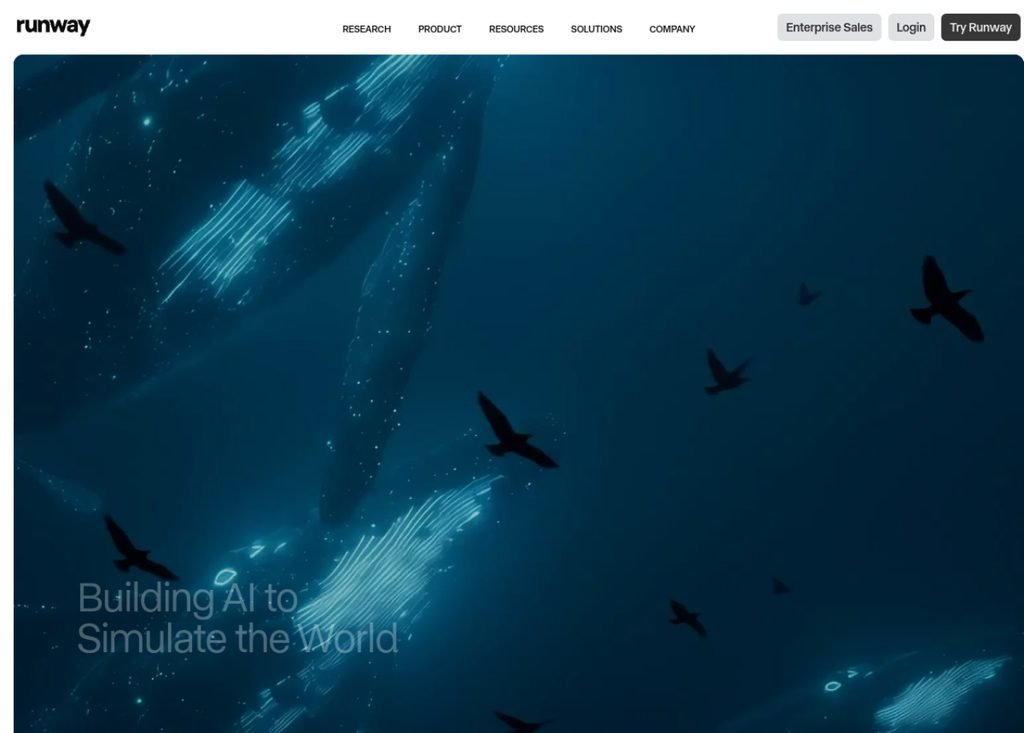
Runway feels more like a simplified Adobe After Effects: you have a timeline, multiple tracks, AI effects, masking, color grading, and even integrated AI voice synthesis. The learning curve is longer (expect 2-3 hours to become comfortable), but once mastered, you can deliver a final video without ever opening external software.
For an absolute beginner, Kling is 2x more accessible. For a creative who already knows Premiere/DaVinci, Runway will feel familiar and infinitely more powerful.
Use cases: who should choose what?
To settle this duel, what matters isn't a tool's absolute ranking but how well it fits your primary use case. Here's our recommendation by profile:
Strengths and weaknesses: detailed analysis
Kling AI - Strengths and weaknesses
Strengths
- Cinema quality with ultra-realistic physics
- Clips up to 3 minutes: unique in the market
- 42% cheaper than Runway on equivalent plans
- Top-tier image-to-video
- Very generous free plan (66 credits/day)
- Advanced camera control via keywords
Weaknesses
- 3-4x slower than Runway at generation
- Basic interface: no real post-production
- Less reliable character consistency between clips
- Imperfect text handling (generates gibberish)
- Chinese servers (sometimes higher latency)
Runway - Strengths and weaknesses
Strengths
- Complete creative platform (generation + editing + effects)
- Character consistency across multiple clips
- Unique motion brush (animate specific zones)
- 3-4x faster generation than Kling
- Pro ecosystem (API, collaboration, team workflow)
- Excellent automatic color grading
Weaknesses
- Clips limited to 16 seconds: very constraining
- More expensive ($12 vs $6.99 at equivalent level)
- Longer learning curve
- Less natural physics than Kling on complex scenes
- More limited free plan (125 credits/month)
Complete comparison table
| Criterion | Kling AI | Runway |
|---|---|---|
| Overall rating | 4.7/5 | 4.7/5 |
| Entry price | $6.99/month | $12/month |
| Raw video quality | 9.5/10 | 9.2/10 |
| Physics and realism | 9.8/10 | 8.5/10 |
| Max clip duration | 3 minutes | 16 seconds |
| Generation speed | 2-5 min/clip | 30-90 sec/clip |
| Character consistency | Average | Excellent |
| Integrated editing | Basic | Complete (timeline, masks, color) |
| Image-to-video | Excellent | Very good |
| Text-to-video | Very good | Excellent |
| Free plan | 66 credits/day | 125 credits/month |
| Value for money | 9.5/10 | 7.5/10 |
| Learning curve | Easy (15 min) | Medium (2-3 h) |
| Ideal for | Solo creators, YouTubers | Agencies, pros, motion designers |

FAQ - Kling vs Runway
Kling or Runway: which is really the best in 2026?
There's no absolute "best": it depends on your usage. Kling AI wins on raw quality, clip duration and price (42% cheaper). Runway wins on speed, integrated editing and character consistency. For 80% of independent creators, Kling is the right choice. For agencies and pros, Runway remains essential.
Is Kling really free?
Yes, Kling offers a free plan with 66 credits per day (equivalent to about 5-7 short videos per day), in 720p with a watermark. It's more than enough to test the tool or generate occasional content. For professional use (4K, no watermark, more credits), you need to upgrade to the $6.99/month plan.
Why is Runway more expensive than Kling?
Runway charges for a complete ecosystem: AI generation + video editing suite + masking + color grading + team collaboration + cloud storage. Kling charges only for generation. If you already use Premiere Pro or DaVinci Resolve for editing, Kling is more cost-effective. If you want all-in-one, Runway's pricing is justified.
Can you use Kling AND Runway together?
Yes, and this is even what many pro creators do. The typical combo: Runway to iterate quickly and find the right concept (thanks to its speed), then Kling to generate the final version in cinema quality (thanks to its superior quality). The combined cost (about $19/month) remains reasonable for pro use.
Kling is Chinese, is there a privacy risk?
Kling AI is developed by Kuaishou, a Chinese company listed in Hong Kong. Data (prompts and generated videos) are stored on international servers (Singapore, US) for the global version. For general public content creators, no particular risk. For sensitive enterprise data (confidential scripts, unreleased products), prefer Runway or a European-hosted tool.
What's the alternative if Runway and Kling don't work for me?
If you're looking for a free alternative, Vidnoz is the best option (avatars + video generation). For simple text-to-video, InVideo AI is better suited for beginners. For advanced motion design, Pika Labs is a good middle ground. See our complete comparison of the 10 best AI video generators.
Runway or Kling for AI audio (voice, music)?
Neither specializes in audio. Runway offers integrated AI voice synthesis (basic lip-sync) and some music generation, but it's limited. Kling has no native audio: you need to add music in post-production. For quality AI audio, combine with ElevenLabs (voice) or Mubert (music).
Is Runway Gen-4 better than Kling for video quality?
On raw quality and physical realism, Kling keeps a slight edge in 2026, especially on complex motion and long clips (up to 3 min). Runway Gen-4, however, leads on character consistency, generation speed and integrated editing. For pure cinematic output, pick Kling; for a complete creative workflow, Runway Gen-4.
Final verdict 2026: our recommendation
Based on this comparative analysis, here's our honest recommendation for 2026:
Choose Kling AI if:
- You're an independent creator (YouTube, TikTok, Instagram)
- You want the best value for money on the market
- You need long clips (30s to 3 minutes)
- You prioritize realism and natural physics
- Your budget is under $20/month
Choose Runway if:
- You work in an agency or creative team
- You need character consistency across multiple clips
- You want a complete ecosystem (generation + editing)
- Iteration speed is critical for your projects
- Your budget allows $30-80/month
For the vast majority of our readers, solo creators, freelance marketers, YouTubers, Kling AI is the best choice in 2026. It's the tool to start with without breaking the bank, and it offers 95% of Runway's capabilities for 60% of the price. If your needs later evolve toward pro-agency work, you can always add Runway as a complement.
Ready to test the best AI video generator?
Start with Kling AI for free (66 credits/day, no credit card needed) and compare for yourself.