InVideo vs Fliki 2026: The Best Text-to-Video AI? (Full Comparison)


InVideo AI for simplicity, Fliki for control
InVideo AI is the simplest text-to-video tool on the market: you type one sentence (e.g., "Make me a video about the 5 best burgers in Paris"), and InVideo automatically generates scenes, voiceover, music, and transitions. Perfect for beginners who want a quick result without touching anything.
Fliki offers much more control and 2,000+ AI voices across 75+ languages. It's the favorite tool of creators who want to customize every scene, add their own cloned voice, or turn a blog post into a quality YouTube video. More technical but much more powerful.
📖 Table of contents
Overview: InVideo vs Fliki in 30 seconds
The AI text-to-video market (turning text into video) is one of the most interesting in 2026 for content creators, bloggers, and YouTubers. Unlike pure AI video generators (Kling, Runway), text-to-video tools don't create a single scene: they automatically assemble multiple scenes, voiceover, music, and transitions to produce a complete, ready-to-publish video.
This duel is the #1 in our top text-to-video AI 2026. For real AI video generation (not stock), see Kling vs Runway or Kling vs Veo 3. For a talking avatar, read HeyGen vs Synthesia.
Two names dominate this niche: InVideo AI (Mumbai, founded in 2017) and Fliki (founded in 2022). They target the same audience: creators who want to produce YouTube, TikTok, and Reels videos with no camera or manual editing, but with very different philosophies.
InVideo AI bets on radical simplicity: a single prompt generates everything. Fliki bets on granular control: you can edit each scene, replace a voice, change the music, modify the text. Both have their fans, and the right choice really depends on your working style.
This comparison draws on both vendors' official documentation, their public pricing and verified reviews (G2, Trustpilot). Here are the differences that actually matter.
Workflow: one-shot generation vs scene-by-scene
InVideo AI: one prompt, a complete video
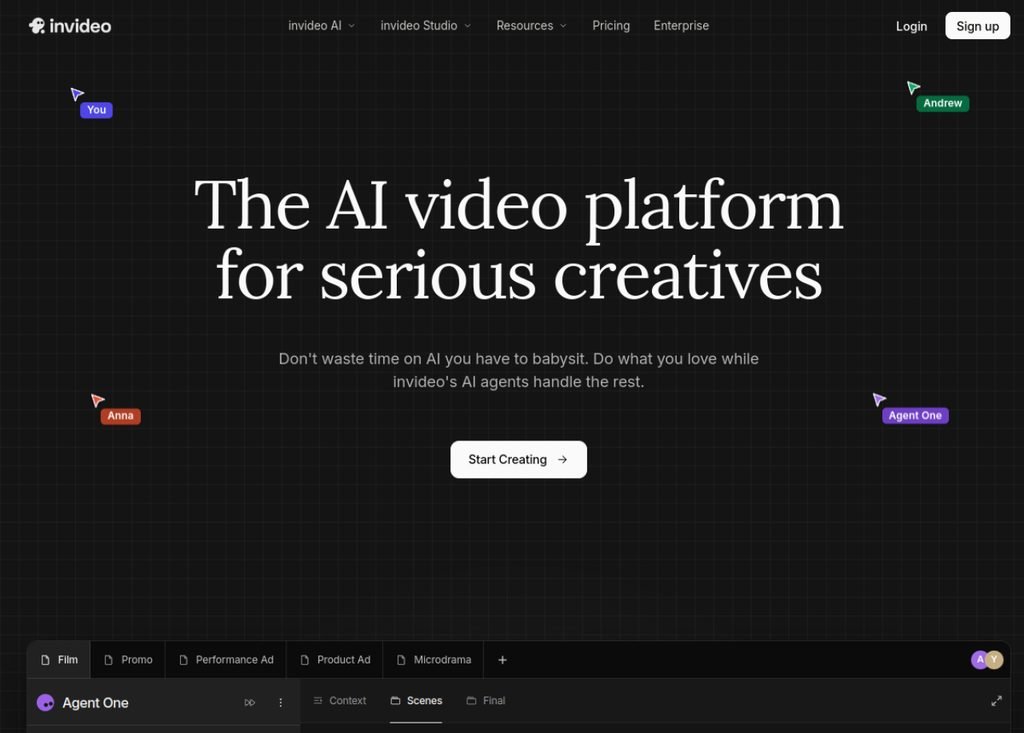
The InVideo AI workflow is almost disarmingly simple. You open the tool, type a sentence like "Make me a 2-minute YouTube video about the 5 unsolved mysteries of Antarctica", and click Generate. Two minutes later, you have a complete video with:
- Script generated by AI (GPT-4 under the hood)
- Visual scenes (stock video + AI images based on context)
- AI voiceover automatically picked based on tone
- Background music matched to the rhythm
- Automatic transitions between scenes
- Subtitles generated and styled
It's magical when it works. It's frustrating when the AI picks a scene or voice that doesn't match your vision. InVideo offers a chat-based editor: you say in natural language "replace scene 3 with a penguin image" and the tool makes the change. It can't get simpler than that.
Fliki: scene-by-scene editor
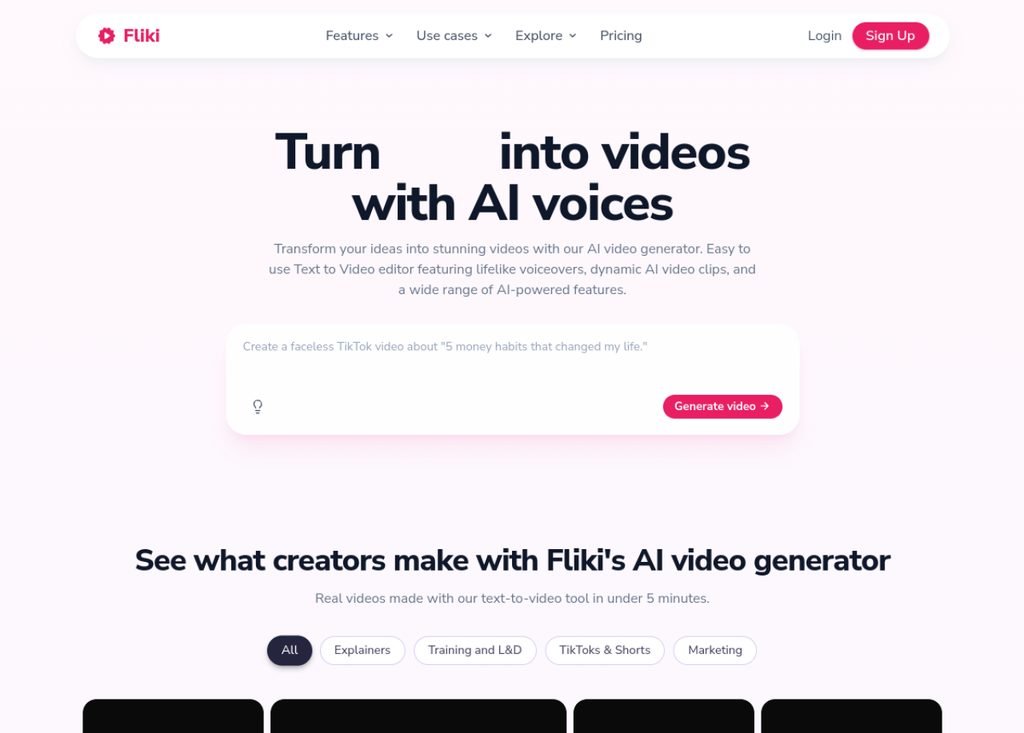
Fliki takes a more traditional and more controlled approach. When you create a video, you see a scene-based editor (one per sentence or paragraph) where each scene contains: the text, the stock image or video, the chosen AI voice, and the timing. You can freely edit everything.
Fliki workflow strengths:
- Blog post import: paste a URL and Fliki automatically turns the article into a scene-by-scene video
- PDF / Google Doc import: same principle for longer content
- Visual editor + text editor side by side, handy for corrections
- Fine timeline to adjust duration, transitions, effects
- Instant preview of each scene without regenerating everything
For a creator who likes 100% control over their content, Fliki is better suited. For a creator who wants to test many ideas quickly without dwelling on details, InVideo is unbeatable.
AI voices and supported languages
This is an important difference: Fliki offers over 2,000 AI voices across 75+ languages, InVideo offers about 50 voices in 20+ languages. If you create multilingual content or are looking for the perfect voice (accent, age, emotion, gender), Fliki offers many more options.
Both tools also offer voice cloning on their paid plans:
- Fliki Voice Clone: record 3-5 minutes of your voice, and Fliki generates all your future videos with your cloned voice. Included in the Standard plan ($21/month).
- InVideo Voice Clone: feature added in 2025, requires 2 minutes of recording, included in the Plus plan ($25/month).
Cloning quality: it's a tie in 2026. Both are excellent in English, good in French/Spanish/German, decent on Asian languages. Neither rivals ElevenLabs, which remains the absolute reference for voice cloning.
Quality of generated content
InVideo: the GPT-4 model under the hood
InVideo uses GPT-4 (soon GPT-5) to generate scripts. The quality is generally good, but you're at the mercy of AI hallucinations: made-up facts, approximate numbers, sometimes incorrect references. For factual content (science, history, tech), always fact-check before publishing.
InVideo visuals come mainly from the integrated Getty Images and Pexels stock library, supplemented by Stable Diffusion generations when no image fits. This mix works well for 80% of topics but can feel generic for niche subjects.
Fliki: better for long-form content
Fliki shines on long videos (5+ minutes) because its scene-by-scene approach makes it easy to cleanly structure information. Blog post import is particularly powerful: the tool respects the H2/H3 hierarchy of your article and creates a video that follows your original structure.
Fliki visuals use a similar approach (stock + AI generation) but with more finesse in contextual matching. Based on user feedback, Fliki tends to select more contextually relevant visuals than InVideo.
Pricing and detailed plans (April 2026)
| Plan | InVideo AI | Fliki |
|---|---|---|
| Free | 10 min/week | 5 min/month |
| Entry plan | $25/month (Plus) | $21/month (Standard) |
| Minutes included | 50 min/month | 120 min/month |
| Premium plan | $60/month (Max) | $66/month (Premium) |
| Voice cloning | Plus+ plan | Standard plan (from $21) |
| AI voices available | 50+ | 2,000+ |
| Languages supported | 20+ | 75+ |
| Blog post import | Limited | Native and excellent |
Fliki is 16% cheaper at the entry plan and offers 2.4× more minutes (120 min vs 50 min). For a creator producing content in volume, Fliki is clearly more cost-effective. InVideo remains preferable for occasional use where simplicity matters more than volume.
Use cases: who should pick what?
Full comparison table
| Criterion | InVideo AI | Fliki |
|---|---|---|
| Overall rating | 4.6/5 | 4.5/5 |
| Entry price | $25/month | $21/month |
| Minutes included | 50 min/month | 120 min/month |
| Ease of use | 9.5/10 | 7.5/10 |
| Granular control | 6/10 | 9/10 |
| AI voices available | 50+ | 2,000+ |
| Languages supported | 20+ | 75+ |
| Voice cloning | Plus plan | Standard plan |
| Blog post import | Limited | Excellent |
| Chat-based editor | Yes (unique) | No |
| Short viral templates | 500+ | 200+ |
| Long-form quality | Average | Excellent |
| Generation speed | 2-3 min | 3-5 min |
| Ideal for | Beginners, shorts, ads | Bloggers, long-form YouTubers, multilingual |
FAQ - InVideo or Fliki in 2026
InVideo or Fliki: which is really the best text-to-video AI?
There's no absolute "best." InVideo AI is better for simplicity, speed, and short formats (Shorts, Reels, TikTok). Fliki is better for control, long videos (YouTube 5+ min), multilingual content, and imports from blog posts. For 70% of independent creators, Fliki offers better value thanks to its 120 minutes/month versus 50 at InVideo.
Can Fliki really turn a blog post into a video automatically?
Yes, and it's its absolute strength. You paste your article URL, Fliki analyzes the structure (H1, H2, H3, paragraphs, images), picks a suitable AI voice, generates contextual visuals, and produces a scene-by-scene video that respects the logic of your original article. You can then freely edit everything. InVideo does the same but with less finesse in respecting the structure.
Are the free plans really useful?
For testing, yes. For regular use, no. InVideo offers 10 free minutes per week, Fliki 5 minutes per month. Both include a watermark that makes videos unusable for pro work. Plan on $21-25/month minimum for serious use: that's the normal entry cost in this niche.
Can I clone my voice with these tools?
Yes, both offer voice cloning from their paid plan onward. Fliki requires 3-5 minutes of recording, InVideo 2 minutes. Quality is equivalent in English, and slightly better with Fliki for other languages. For studio-quality voice cloning, ElevenLabs remains the absolute reference, but it's a separate service to combine if needed.
Do these tools really generate AI video or just stock?
It's a mix: mostly stock video/image (Getty, Pexels, Unsplash) with occasional Stable Diffusion generations when no stock fits. Neither InVideo nor Fliki generates real AI video like Kling or Runway: that's a different category. If you want real video generated pixel by pixel by AI, look at Kling vs Runway or our full AI video generator comparison.
Which is best for faceless YouTube (no camera)?
Both are good, but Fliki is slightly ahead for long-form faceless YouTube videos (stories, documentaries, book summaries, news). Its scene-by-scene control and 2,000+ voices make it possible to create content that doesn't sound "AI-generated." Many faceless YouTubers use Fliki as their main tool and add ElevenLabs for premium voices.
Can I use InVideo and Fliki together?
Yes, and it's even recommended for certain workflows. For example: use Fliki to generate the draft from a blog post, then import the result into InVideo to tweak the style and export to viral formats (9:16 TikTok, 1:1 Instagram). The combined cost ($46/month) is still lower than an Adobe Creative Cloud subscription.
Final verdict 2026: our recommendation
Based on this comparative analysis, here's our recommendation:
Pick InVideo AI if:
- You're a beginner and want to test quickly without a learning curve
- You mostly produce Shorts, Reels, TikTok (short formats)
- You love the radical simplicity of a single prompt generating a complete video
- You want a chat-based editor to modify in natural language
- You need ready-made viral templates
Pick Fliki if:
- You're a blogger and want to turn your articles into videos
- You make long-form YouTube (5+ min) or faceless YouTube
- You need multilingual content (75+ languages)
- You want 120 minutes/month instead of 50 (volume)
- You like fine-tuning every scene
- Your budget is tight ($21 vs $25/month)
For most of our readers, bloggers, YouTubers, faceless creators, and marketing teams producing in volume, Fliki is the better choice in 2026. Its blog post import and 120 monthly minutes make it a more sustainable and more cost-effective tool. InVideo remains excellent for absolute beginners or viral shorts creators who prioritize speed over finesse.
Ready to turn your text into videos?
Test both free before you choose. Fliki offers 5 min/month free, InVideo 10 min/week.