CapCut Review 2026 - Full Test & Comparison
The most popular AI video editor in the world
* Affiliate link. No extra cost to you.
Our review of CapCut
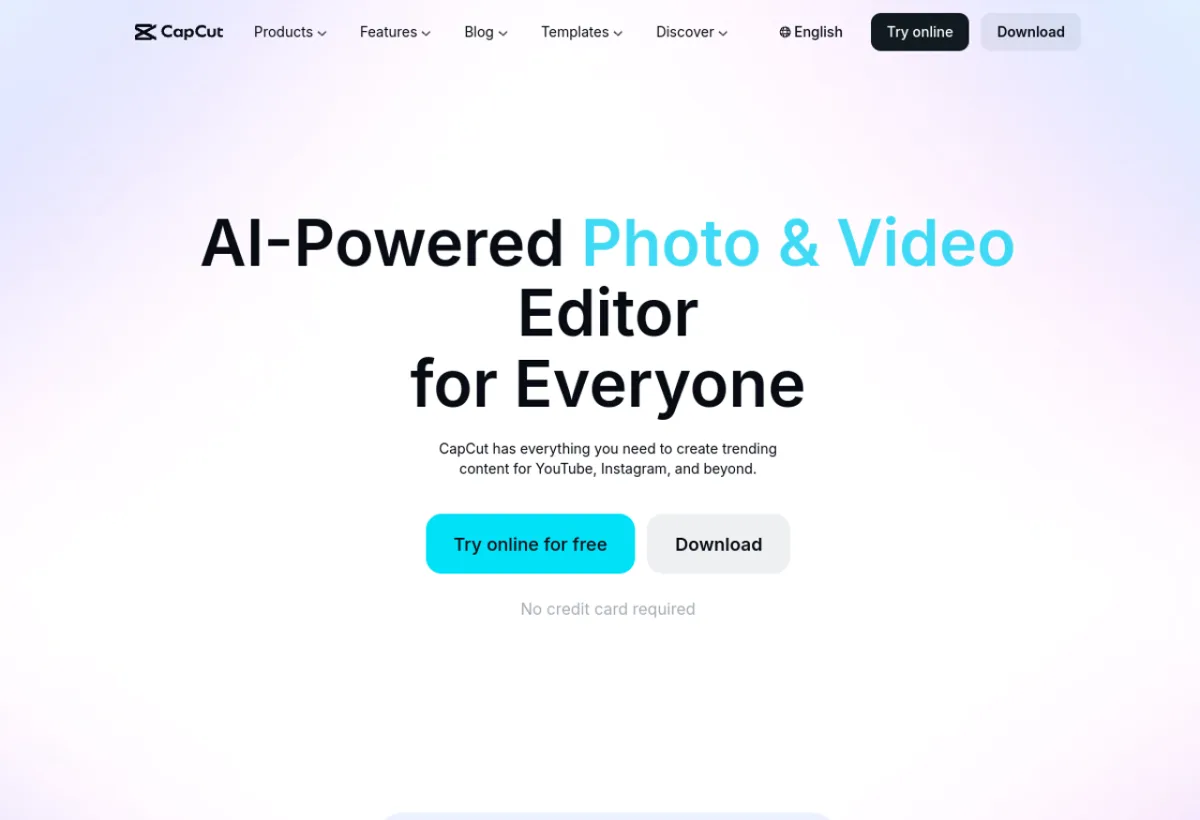
CapCut is ByteDance's (TikTok) free video editing app with integrated AI features: background removal, effects, automatic subtitles, script generation.
CapCut has become in 3 years the most downloaded video editing tool in the world with over 500 million users. Its AI features include: automatic transcription, subtitle translation, background removal, AI effects, script generator, and recently a native AI video generation function. It is the essential tool for TikTok, Instagram Reels and YouTube Shorts creators. Available on mobile, desktop and web.
CapCut is a solid tool in the category "AI Video Editing". Very easy to pick up, even for beginners. The value for money is excellent. We especially recommend this tool for: TikTok, Instagram Reels, YouTube Shorts.
Pros & Cons
- Entirely free (basic version)
- 500M+ users, massive community
- Available on mobile + desktop + web
- Numerous and practical AI features
- Built-in TikTok trending templates
- Owned by ByteDance (privacy concerns)
- Advanced features are paid
- Less suited for professional content
- Cluttered desktop interface
Detailed Ratings
Pricing & Plans 2026

- Export 1080p
- Montage complet
- Filigrane sur certains contenus
- Export sans filigrane
- 199,99 €/an, soit ≈16,67 €/mois
- Fonctions IA avancées
Who is CapCut for?

CapCut is particularly suited to the following profiles. Depending on your needs, this tool can address various use cases - here are the main ones: