Kling vs PixVerse 2026: Which AI Video Generator Should You Choose?
Kling wins on quality and value, PixVerse wins on effects and mobile
Kling AI wins this duel on quality and value: it's a mature generator with near-cinema quality, native audio, long clip durations (up to 3 minutes) and a very low entry price (from $6.99/mo, free plan available). With a 4.7/5 rating (9.2/10), it's the obvious choice if you want the best output without breaking the bank.
PixVerse (3.9/5, 7.8/10) is a fast, mainstream generator that shines on effects and anime, with a real mobile app. It handles text-to-video and image-to-video, but its free plan adds a watermark and going watermark-free requires the Premium plan at $60/mo.
📖 Table of Contents
- Quick overview: Kling AI vs PixVerse in 30 seconds
- Video quality: who produces the best clips?
- Effects and anime: PixVerse's playground
- Clip duration: major advantage for Kling
- Generation speed: the edge goes to PixVerse
- Pricing and plans: the real monthly cost
- Ease of use and mobile
- Use cases: who should choose what?
- Complete comparison table
- FAQ: Kling vs PixVerse
- Final verdict 2026
This duel is part of our top 10 best AI video generators 2026. To compare Kling with other alternatives, also check Kling vs Runway, Kling vs Sora, Kling vs Veo 3 or Kling vs Pika.
Quick overview: Kling AI vs PixVerse in 30 seconds
In an increasingly competitive AI video market (Kling, Runway, Veo 3, Sora 2), this comparison pits two very different approaches against each other: Kling AI (developed by Kuaishou, a mature generator famous for its quality) and PixVerse (a fast, mainstream generator popular for its effects and anime output). Both produce convincing AI videos, but they don't target the same audience.
Kling bets on quality + price: a powerful model that handles physics with impressive realism, native audio and long clips, starting at $6.99/month. PixVerse bets on speed and mainstream creativity: ready-to-use effects, a highly requested anime look and a mobile app to create from your phone.
This comparison draws on both vendors' official documentation and their public pricing. Here are the differences that really matter to settle this duel in 2026.
Video quality: who produces the best clips?
Kling AI: the quality benchmark
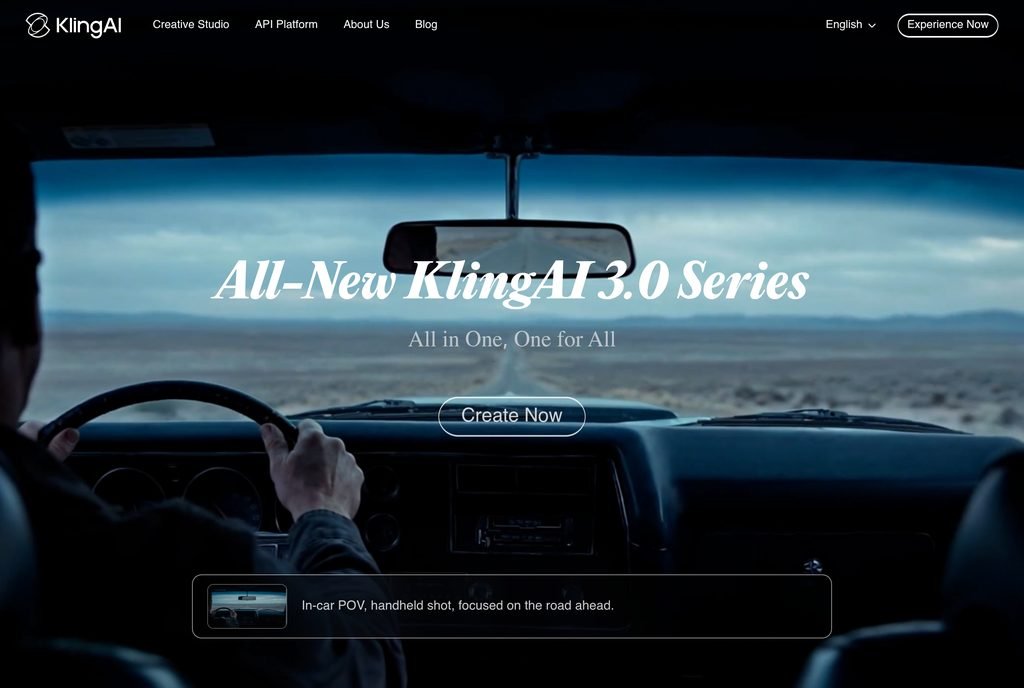
Kling is a mature generator, unbeatable on scene physics. Water flows naturally, fabrics react correctly to gravity, human movements are grounded. When you ask Kling for "a man running in the rain", you literally get a man running in the rain, with rare temporal consistency.
Key strengths that stand out:
- Near-cinema quality with very realistic physics
- Native audio: sound is generated with the video, no separate post-production step
- Image-to-video particularly powerful for animating a still image with realism
- Resolution up to 1080p natively, with 4K upscale available on paid plans
PixVerse: fast and creative
PixVerse produces more stylized clips built for immediate impact. Less photorealistic than Kling on natural scenes, it makes up for it with an effects catalog and an anime look that many creators want for social media. It handles both text-to-video and image-to-video.
Notable strengths:
- Numerous creative effects that are easy to apply
- Anime output among the most convincing on the market
- Mobile app to generate straight from your phone
- Fast generation, ideal for iterating on short-content ideas
Our quality verdict
For video that looks real and polished, Kling wins clearly. For effect-driven, stylized or anime clips aimed at social media, PixVerse is more fun and more direct. On raw quality and consistency, Kling stays ahead.
Effects and anime: PixVerse's playground
This is where PixVerse has the edge. Where Kling focuses on realism, PixVerse offers a library of ready-to-use effects and a polished anime look. For a TikTok or Instagram creator who wants a dynamic, scroll-stopping result without technical expertise, that's a real plus.
In practice:
- For an anime or stylized clip: PixVerse is faster and more fun to use
- For a realistic scene (people, nature, product): Kling stays superior
- For animating an illustration: both do the job, with a more cartoon-like result on the PixVerse side
Clip duration: major advantage for Kling
This is an important practical difference. Kling allows clips up to 3 minutes (with progressive extension), while PixVerse targets short, punchy formats built for social media.
What this changes in practice:
- For a 15-second ad or short: both do the job
- For a 30-60 second sequence or longer: Kling generates the clip in a single shot, while PixVerse requires more editing
- For a 2-3 minute short film: Kling becomes almost essential
Generation speed: the edge goes to PixVerse
This is where PixVerse strikes back. Kling prioritizes quality over speed (expect several minutes per clip), while PixVerse is built to be fast and let you iterate quickly on short-content ideas.
One caveat on the PixVerse side: credits are consumed even if the render fails. On experimental generations, the credit bill can climb faster than you might expect.
Many creators use the two together: PixVerse to quickly test an effect or anime look, then Kling to generate the final high-quality version of the best idea.
Pricing and plans: the real monthly cost
Here's the updated pricing comparison for 2026. Both tools offer a free plan, but with limitations (watermark, capped resolution).
| Plan | Kling AI | PixVerse |
|---|---|---|
| Free | 66 credits/day, 720p, watermark | 90 credits + 60/day, 720p, watermark |
| Entry plan | $6.99/month | $10/month |
| Pro plan (1080p) | $16.99/month | $30/month |
| Higher plan | $46.99/month | $60/month (Premium, no watermark) |
| Watermark-free from | the paid plan ($6.99/month) | the Premium plan ($60/month) |
| Max resolution | 4K (upscale) | 1080p (Pro plan) |
Pricing conclusion: Kling is more affordable and more generous. The paid entry plan removes the watermark from $6.99/month and goes up to 4K upscale, while PixVerse only offers watermark-free output from the Premium plan at $60/month. For a value-conscious creator, the gap clearly favors Kling.
Ease of use and mobile
Both tools are accessible to beginners, but with different philosophies.
Kling interface: simple and quality-focused
Kling offers a minimalist interface centered on generation: a prompt field, a few options (duration, ratio, quality), and you're off. It's ideal for getting a polished result without getting lost in settings. It's mostly used on the web.
PixVerse: built for mobile
PixVerse has a mobile app that lets you generate and apply effects straight from your phone. For a creator working on the go and publishing to TikTok or Instagram, that's a concrete advantage Kling doesn't match at the same level.
For a mobile-first, social-focused creator, PixVerse is more convenient. For a polished final result, Kling stays preferable.
Use cases: who should choose what?
What matters isn't a tool's absolute ranking but how well it fits your primary use case. Here's our recommendation by profile:
Strengths and weaknesses: detailed analysis
Kling AI: Strengths and weaknesses
Strengths
- Mature generator, near-cinema quality
- Top-tier physics and realism
- Native audio generated with the video
- Clips up to 3 minutes
- Watermark-free from $6.99/month, free plan available
- Best overall value (4.7/5)
Weaknesses
- Slower generation than PixVerse
- Mostly web-based, no mobile app as polished as PixVerse's
- Less focused on effects and anime than PixVerse
PixVerse: Strengths and weaknesses
Strengths
- Fast, mainstream generation
- Very strong on effects and anime
- Mobile app
- Text-to-video + image-to-video
- Free plan available (90 credits + 60/day)
Weaknesses
- Watermark on the free plan, removed only at Premium ($60/month)
- 1080p reserved for the Pro plan ($30/month)
- Credits consumed even if the render fails
- Less realistic than Kling on natural scenes
- Lower overall rating (3.9/5)
Complete comparison table
| Criterion | Kling AI | PixVerse |
|---|---|---|
| Overall rating | 4.7/5 (9.2/10) | 3.9/5 (7.8/10) |
| Entry price | $6.99/month | $10/month |
| Watermark-free from | $6.99/month | $60/month (Premium) |
| Max resolution | 4K (upscale) | 1080p (Pro plan) |
| Quality and realism | Near-cinema | Stylized |
| Native audio | Yes | Not stated |
| Creative effects | Good | Excellent |
| Anime output | Fair | Excellent |
| Max clip duration | 3 minutes | Short formats |
| Generation speed | Several min/clip | Fast |
| Mobile app | Mostly web | Yes |
| Image-to-video | Excellent | Yes |
| Text-to-video | Yes | Yes |
| Value for money | 9.2/10 | 7.8/10 |
| Ideal for | Quality, budget, long clips | Effects, anime, mobile |
FAQ: Kling vs PixVerse
Kling or PixVerse: which is really the best in 2026?
It depends on your usage. Kling AI wins on quality, realism, native audio, clip duration and value (4.7/5). PixVerse wins on speed, effects, anime and mobile (3.9/5). For polished output and a small budget, choose Kling. For effect-driven or anime clips posted to social media, PixVerse is more fun.
Is PixVerse free?
Yes, PixVerse offers a free plan with 90 credits plus 60 credits per day, in 720p with a watermark. Note: credits are consumed even if the render fails. To remove the watermark, you need the Premium plan at $60/month; 1080p is available from the Pro plan at $30/month.
Is Kling cheaper than PixVerse?
Yes, in practice. Kling starts at $6.99/month and removes the watermark from that paid plan, with 4K upscale. PixVerse starts at $10/month but only offers watermark-free output on the Premium plan ($60/month). Kling therefore gives better value for most creators.
Is PixVerse better for anime?
Yes, it's one of its strengths. PixVerse is highly appreciated for its anime output and stylized effects, making it a good choice for short, creative content on TikTok or Instagram. Kling stays ahead on realism and natural scenes.
Can you use Kling AND PixVerse together?
Yes, and it's a smart combo. PixVerse to quickly test an effect or anime look, then Kling to generate the final high-quality version of the best idea. You get one tool's speed and effects and the other's quality.
What's the alternative if Kling and PixVerse don't work for me?
For realism and pro editing, look at Runway. For simple mainstream output, Pika Labs is a good middle ground. See also our complete comparison of the 10 best AI video generators.
Final verdict 2026: our recommendation
Based on this comparative analysis, here's our recommendation for 2026:
Choose Kling AI if:
- You want the best quality and realism
- You want the best value (watermark-free from $6.99/month)
- You need native audio and long clips (up to 3 minutes)
- You animate still images with natural movement
Choose PixVerse if:
- You mostly create effect-driven or anime clips
- You want to generate fast to publish lots of short content
- You work from your phone (mobile app)
- Style matters more than photorealism
For the vast majority of our readers who want the best output at the best price, Kling AI is the best choice in 2026. PixVerse remains an excellent complementary option for effects, anime and fast mobile creation.
Ready to test the best AI video generator?
Start with Kling AI for free (66 credits/day, no credit card needed) and compare for yourself.