
MagicLight AI Review 2026: Pricing, Features & Alternatives
From script to finished video, multi-model
* Affiliate link. No extra cost to you.
Our review of MagicLight AI
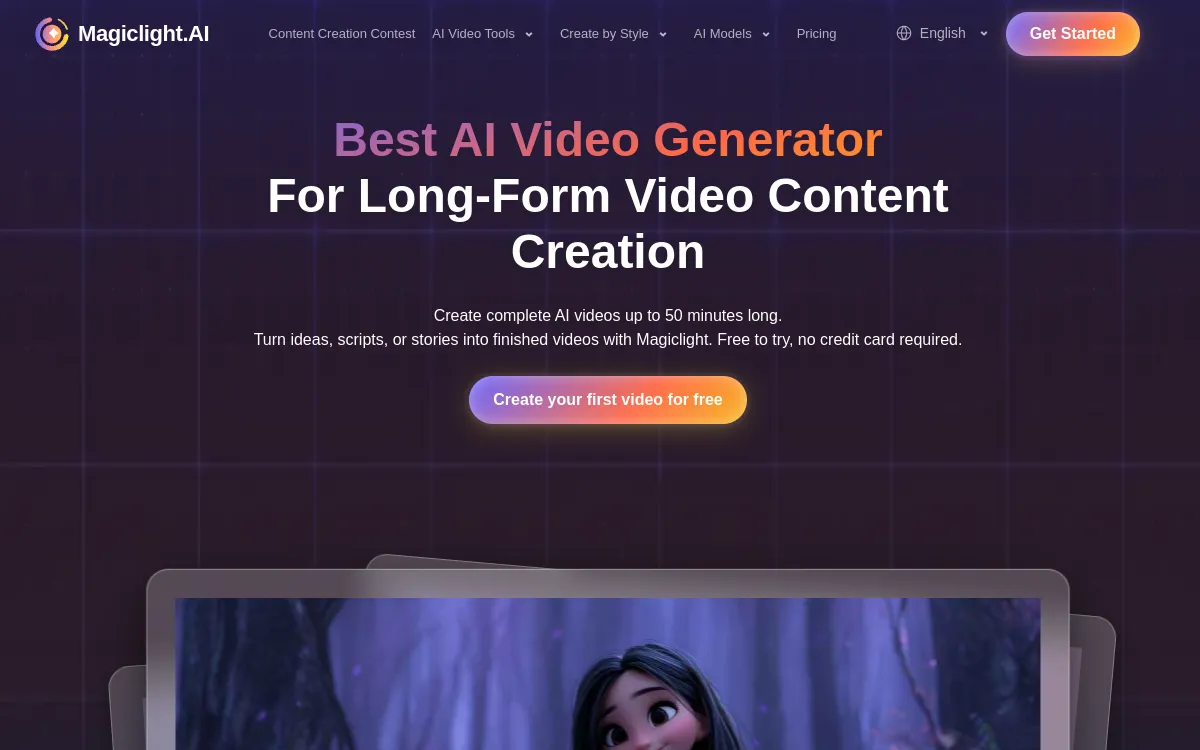
MagicLight AI chains script, visuals, voice and export in a single flow, with access to several models (Seedance, Kling, Veo, Sora) and long videos up to 50 minutes.
MagicLight AI targets end-to-end video production: you start from a script and the tool generates visuals, voiceover, subtitles and export in a single flow. Its distinctive feature is access to several generation models (Seedance, Kling, Veo, Sora, among others) and support for long formats, up to 50 minutes. It covers text-to-video, image-to-video and script-to-video, with animation, avatars, voice cloning and lip-sync. All plans include a commercial license and 1080p output with no watermark. The pricing grid, entirely credit-based, starts low and climbs very high for large volumes.
MagicLight AI is a solid tool in the "AI video generation" category. Accessible after a short learning curve. Pricing is average for the market. We especially recommend this tool for: Long videos and narration, Compare several models, Educational content.
Pros & Cons
- Access to several models (Seedance, Kling, Veo, Sora)
- Long videos up to 50 min
- Commercial license on all plans
- 1080p with no watermark
- Cheap entry tier
- Credit consumption to keep an eye on
- Result depends on the chosen model
- Dense interface for a beginner
- No generous free plan
Detailed Ratings
Pricing & Plans 2026

- No card
- Discovery
- 1080p
- Commercial license
- 1080p
- No watermark
- Multi-model
- Priority
- Large volumes
- Maximum volume
Who is MagicLight AI for?

MagicLight AI is particularly suited to the following profiles. Depending on your needs, this tool covers various use cases. Here are the main ones:

