
Adobe Firefly Video Review 2026 - Full Test & Comparison
AI video generation in the Adobe ecosystem
* Affiliate link. No extra cost to you.
Our review of Adobe Firefly Video
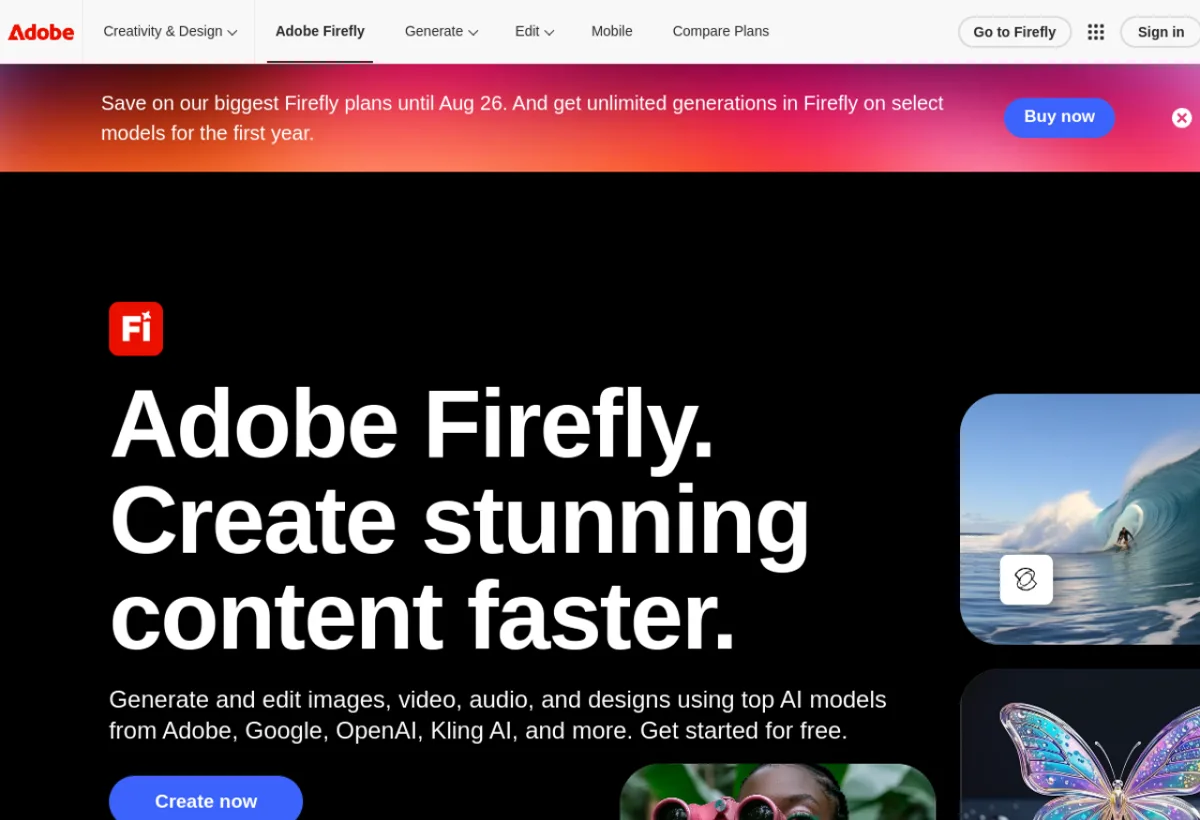
Adobe Firefly Video brings AI video generation directly into Premiere Pro and After Effects. The tool for professionals already in the Adobe Creative Cloud ecosystem.
Adobe Firefly Video is integrated directly into Premiere Pro via the Generative AI tools. It allows generating video clips, extending sequences, filling spaces (Generative Extend) and soon creating complex effects from a text prompt. For professional video editors already on Creative Cloud, it is the most natural solution. The quality is professional and generated videos are royalty-free for commercial use. The real advantage: everything stays within your existing Premiere workflow.
Adobe Firefly Video is a solid tool in the category "Video Generation". Requires some learning time. Pricing is average for the market. We especially recommend this tool for: Professional editing, Post-production, Broadcast advertisements.
Pros & Cons
- Integrated into Premiere Pro and After Effects
- Royalty-free commercial content
- Professional quality
- Natural workflow for editors
- Adobe support included
- Requires a Creative Cloud subscription
- Features still limited vs Runway
- Learning curve if new to Adobe
- High Creative Cloud price
Detailed Ratings
Pricing & Plans 2026

- Premiere Pro
- After Effects
- Firefly Video
- All Individual features
- Admin console
- Priority support
Who is Adobe Firefly Video for?
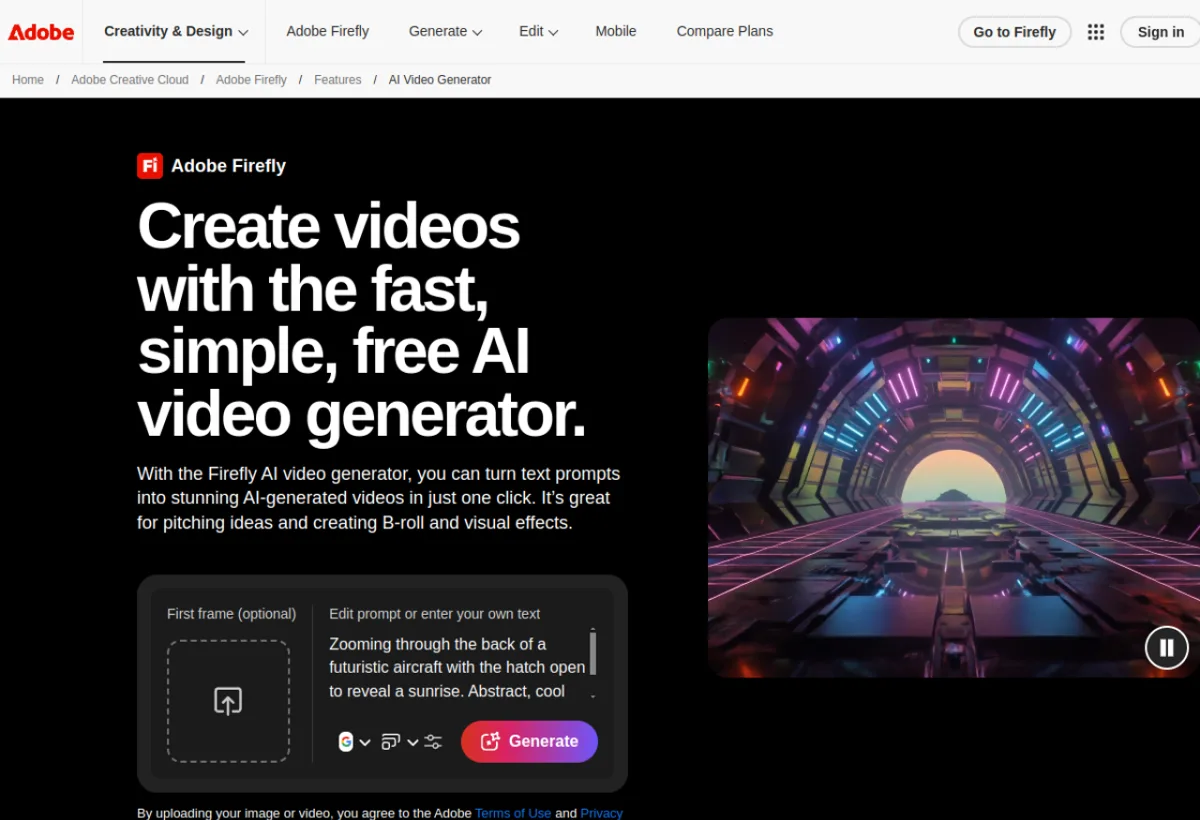
Adobe Firefly Video is particularly suited to the following profiles. Depending on your needs, this tool can address various use cases - here are the main ones: