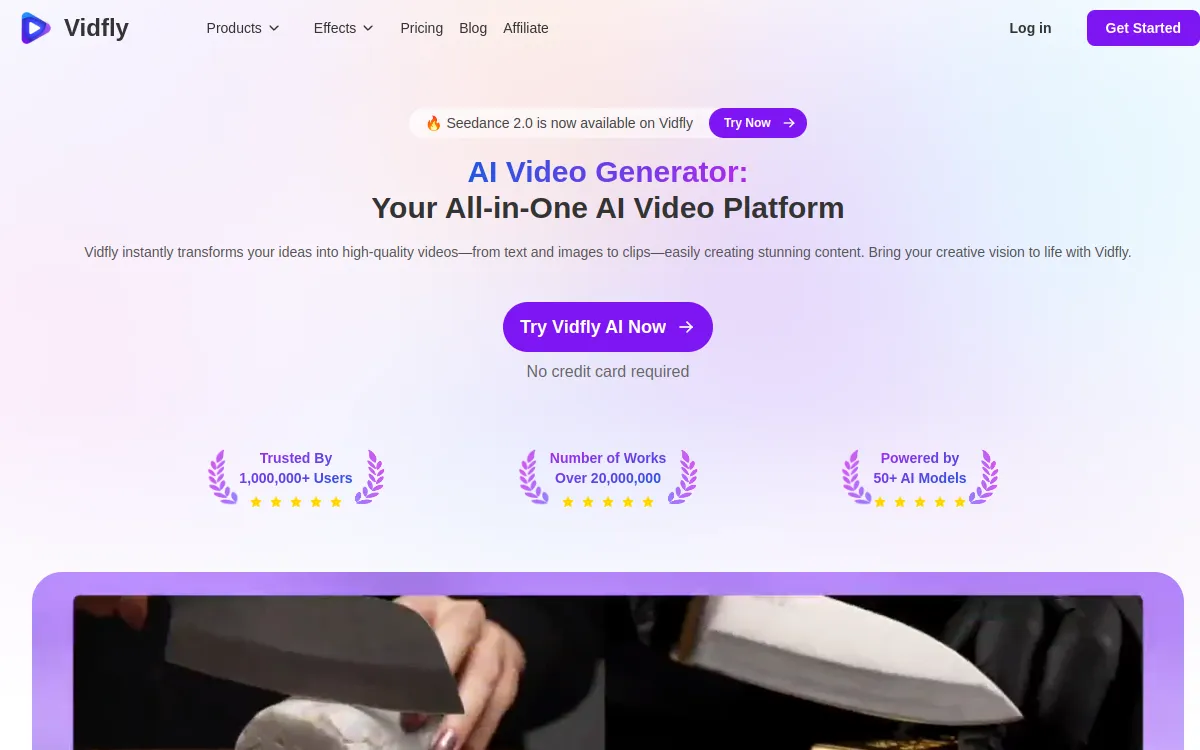
- Rating: 7.6/10, an all-in-one AI video generator and editor, complete and versatile
- Pricing: free plan (100 tokens + daily rewards, watermark), paid from $17/month with no watermark
- For: creators who want to generate, edit, caption and download in one place
- Against: token system to watch, watermark and personal use only on the free plan
What is VIDFLY AI?
VIDFLY AI is an all-in-one AI video generator and editor. Where many tools focus on a single task, VIDFLY brings creation from text or an image, editing, automatic captions, dubbing and even download tools for YouTube, TikTok and Instagram into one interface. The idea is simple: cover the whole chain, from the first idea to a finished, publish-ready video, without juggling five different services.
This toolbox approach is what sets VIDFLY apart from more specialized generators. A creator can generate a clip, rework it, add automatic captions, dub it into another language and export everything, all in the same place. The free plan, with its 100 tokens and daily rewards, lets you test the whole thing without a card, at the cost of a watermark and personal-only use.
VIDFLY AI is worth comparing to the leaders in our Best AI Video Generator 2026 guide.
VIDFLY AI's Key Features
1. Text-to-Video and Image-to-Video
Both core generation modes are present. Text-to-video turns a written prompt into an animated clip, and image-to-video animates an existing photo or illustration. This is the foundation of the tool: describe a scene or import a visual, and VIDFLY produces a short, usable video for social media. Like most generators, English prompts give more precise results, but the interface stays easy to pick up.
2. Trending Effects and AI Avatars
VIDFLY offers a library of trending effects you apply in one click, in the spirit of the viral transformations you see on TikTok and Reels. The tool also includes AI avatars: virtual presenters that deliver a script, handy for explainer videos or marketing content with no camera or shoot. That is a real plus over a pure text-to-video generator.
3. Captions, Dubbing and Upscaling
On the post-production side, VIDFLY covers three common needs. Automatic captions transcribe the voice and place the text on screen, useful for mobile where many watch without sound. Dubbing lets you adapt a video into another language, and upscaling raises a clip's resolution for a sharper result. Together, these features avoid exporting to another program just to finish.
4. YouTube, TikTok and Instagram Download Tools
This is the most unusual part of VIDFLY. The tool ships with download features to pull videos from YouTube, TikTok and Instagram. Handy for gathering references, reusing your own content or feeding an edit. Use them while respecting the rights and terms of use of each platform: these tools are meant first to manage your own media.
VIDFLY runs on tokens. Each generation consumes some, successful or not, and higher resolution or duration costs more. On the free plan, save your 100 tokens and daily rewards for ideas that are already well framed, and polish your prompt before launching so you don't waste them.
Quality: Our Assessment
✅ Standout Strengths
- Versatility: generating, editing, captioning, dubbing and downloading in one interface is rare.
- Ease of use: the tool stays accessible despite the number of features.
- AI avatars: a real asset for explainer and marketing content with no shoot.
- Free plan: 100 tokens plus daily rewards to try everything without paying.
⚠️ The Limitations
- Token system: you have to watch your consumption, especially with heavy use.
- Watermark and personal use on the free plan: you need Basic to remove the watermark and unlock commercial use.
- Variable quality: an all-in-one tool is rarely the best on each individual building block.
- Hands and text: like all AI generators, these are weak points.
VIDFLY AI Pricing 2026
VIDFLY runs on tokens, in dollars. The free plan is for testing; paid plans remove the watermark starting with Basic, unlock commercial use and increase the number of concurrent tasks. Pricing as of September 2026 (check the site, as VIDFLY adjusts its offers regularly).
| Plan | Price | Included |
|---|---|---|
| Free | $0/month | 100 tokens + daily rewards, watermark, personal use, 1 task |
| Basic | $17/month | 2,000 tokens/month, no watermark, commercial use, 2 tasks |
| Pro ⭐ | $36/month | 4,500 tokens + 500 bonus, 4 tasks |
| Business | $75/month | 10,000 tokens + 1,000 bonus, 6 tasks |
Who Is VIDFLY AI For?
Strengths & Limitations
- All-in-one: generation, editing, post-production
- AI avatars built in
- Captions and dubbing
- Upscaling for a sharper result
- Download tools for YouTube/TikTok/Instagram
- Free plan with daily rewards
- Token system to watch
- Watermark on the free plan
- Commercial use for paid plans only
- Video quality behind realism specialists
- Hands and text imperfect
- English prompts more precise
Our Verdict
A Swiss Army knife of AI video, complete and accessible
VIDFLY AI doesn't try to beat the best models on pure photorealism: it wins on versatility. Generating a clip, editing it, captioning it, dubbing it and pulling media from social networks in one place is a real time-saver for a creator who wants to move fast without piling up subscriptions. The real limits are the token system to watch, the watermark and personal-only use on the free plan. If you want the most realistic output, look at Kling AI; for full text-to-video with voiceover, InVideo AI. But for a single tool covering the whole chain, VIDFLY is worth a try, and the free plan lets you check it risk-free.
Best Alternatives to VIDFLY AI
FAQ: VIDFLY AI
Is VIDFLY AI free?
Yes, VIDFLY AI offers a free plan with 100 tokens on sign-up and daily rewards. The free plan applies a watermark and is limited to personal use with a single task at a time. To remove the watermark and unlock commercial use, you move to the Basic plan at $17/month.
How do VIDFLY tokens work?
VIDFLY runs on tokens. Free gives 100 plus daily rewards, Basic 2,000 per month, Pro 4,500 (+500 bonus) and Business 10,000 (+1,000 bonus). Each generation consumes tokens, and higher resolution or duration costs more.
Does VIDFLY AI remove the watermark?
The watermark is present on the free plan. It is removed starting with the Basic plan ($17/month), which also unlocks commercial use and two concurrent tasks.
What are the download tools for?
VIDFLY includes features to download videos from YouTube, TikTok and Instagram. They mostly serve to manage your own media or gather references, respecting the rights and terms of use of each platform.
Does VIDFLY AI handle other languages?
The interface is accessible and prompts work, but like most generators, VIDFLY gives more precise results with English prompts. Dubbing, however, lets you adapt a video into another language after generation.