- Rating: 7.8/10, a fast, accessible AI video generator, very strong on mobile and effects
- Pricing: free plan with daily credits (720p, watermark), paid from $10/month
- For: creators who want short clips and viral effects fast, with no learning curve
- Against: watermark and 720p on the free plan, credits burned even when a render fails
What is PixVerse?
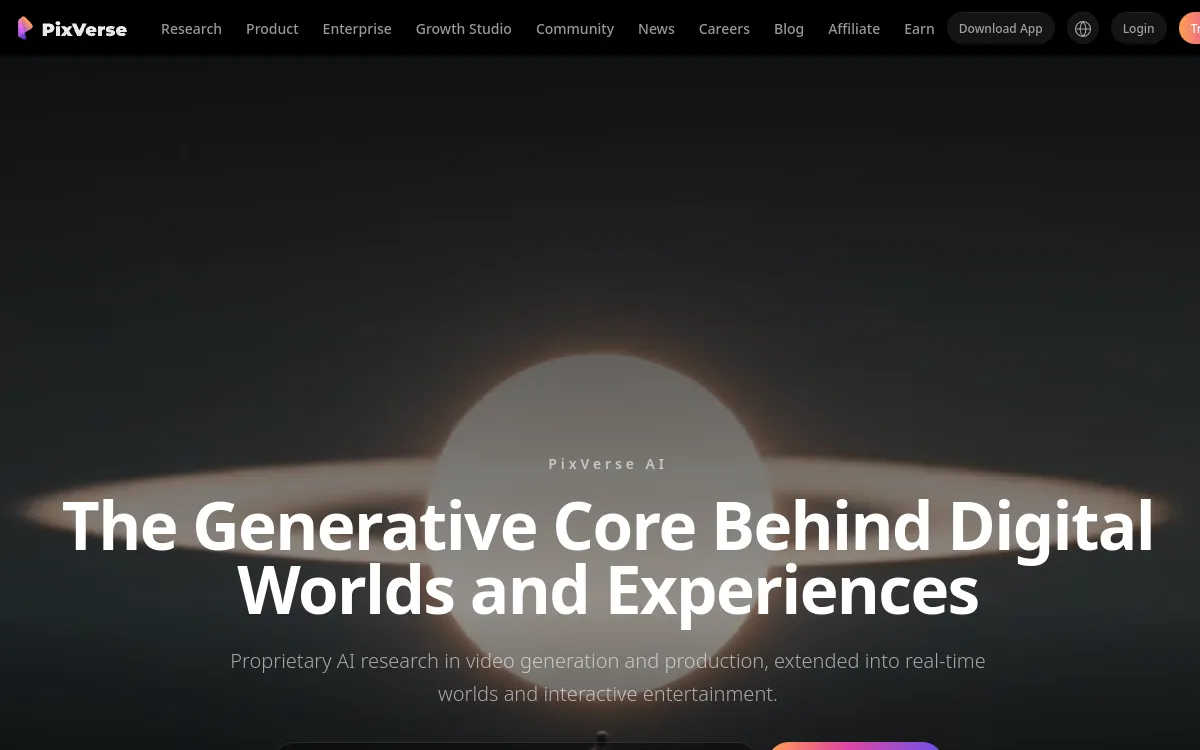
PixVerse is a consumer AI video generator that has become one of the most widely used, especially on mobile. The idea is simple: you start from text or an image and the tool produces an animated clip in a few seconds. It bets on speed, a library of ready-to-use effects and several styles, from realistic to anime.
Where tools like Veo or Sora aim for high-end photorealism, PixVerse positions itself on volume and ease of use: creating short social videos fast, testing ideas, chaining viral effects. The free plan, generous with daily credits, lets you get started without a card, at the cost of a watermark and output capped at 720p.
PixVerse is compared against the references in our Best AI Video Generator 2026 guide.
The 4 Key Features of PixVerse
1. Text-to-Video and Image-to-Video
The two core modes are handled well. Text-to-video turns a prompt into a clip, and image-to-video animates a photo or an illustration with coherent motion. This is the heart of the tool, and it responds quickly: a few seconds are enough to get a first render.
2. A Large Library of Effects
This is one of PixVerse's strengths. The tool offers many ready-to-use effects (transformations, camera moves, transitions) that you apply in a single click. These effects are often what make PixVerse clips go viral on TikTok and Instagram, without having to write a complex prompt.
3. Multiple Styles, Including Anime
PixVerse handles several aesthetics: realistic, stylized, and above all anime, a register where it is particularly appreciated. It's a good pick if you produce illustrated or manga content rather than pure photorealism.
4. Clip Extension and Lip-Sync
Beyond basic generation, PixVerse lets you extend a clip to prolong a scene and offers lip-sync to match a voice to a character. Handy features to move from a simple clip to a mini-sequence.
Credits are consumed on every generation, successful or not. Polish your prompt and pick a suitable resolution before launching: a failed first take costs as much as a perfect render. On the free plan, save your daily credits for ideas that are already well framed.
Quality: Our Assessment
✅ Standout Strengths
- Speed: according to the vendor and user feedback, renders come back in a few seconds, which is ideal for iterating.
- Viral effects: the effects library delivers striking results in one click.
- Anime: one of the best tools for this specific style.
- Accessibility: the mobile app and the free plan make the tool very affordable to start with.
⚠️ The Limitations
- 720p and watermark on the free plan: you have to go paid for clean 1080p.
- Consistency: on longer clips, subject stability remains variable.
- Hands and text: like all AI generators, these are weak points.
- Credits burn fast if you multiply attempts.
PixVerse Pricing 2026
PixVerse works on credits, in dollars. The free plan is mostly for testing; paid plans unlock 1080p, and the watermark is removed starting with the Premium plan. Pricing as of September 2026 (check the site, as PixVerse adjusts its offers regularly).
| Plan | Price | Included |
|---|---|---|
| Free | $0/month | 90 credits at sign-up + 60/day, 720p, watermark |
| Standard | $10/month | Monthly credits, 720p, priority queue |
| Pro ⭐ | $30/month | 1080p, faster generation |
| Premium | $60/month | 1080p, no watermark |
Who Is PixVerse For?
Strengths & Limitations
- Very fast generation
- Effects library in one click
- Excellent for anime
- Free plan with daily credits
- Polished mobile app
- Text-to-video and image-to-video
- 720p and watermark on the free plan
- Credits consumed even if the render fails
- Variable consistency on longer clips
- Hands and text imperfect
- Less realistic than Veo/Sora
- Credit pricing to watch with heavy use
Our Verdict
A fast, accessible generator, king of short clips and effects
PixVerse doesn't try to beat Veo or Sora on photorealism: it wins on speed, ease of use and effects. To create short, viral content, test ideas or produce anime, it's one of the best choices on the market, and the free plan lets you check that risk-free. The real limits are the watermark and 720p on the free plan, and credits that burn fast. For clean 1080p, aim for the Premium plan. If you want the most realistic render possible, look at Veo 3; if you want the best overall value, Kling AI. But for speed and effects, PixVerse earns its place.
Best Alternatives to PixVerse
FAQ: PixVerse
Is PixVerse free?
Yes, PixVerse offers a free plan with 90 credits at sign-up then 60 credits per day. The free plan is capped at 720p and applies a watermark. For 1080p with no watermark, you need a paid plan (from $10/month, watermark removed on the Premium plan at $60/month).
PixVerse vs Kling AI?
Kling is more mature and offers the best overall value. PixVerse is faster, stronger on effects and anime, and more accessible on mobile. Kling for overall quality, PixVerse for speed and effect-driven clips.
How do credits work?
Each generation consumes credits, whether the render succeeds or not. A higher resolution and a longer clip cost more. It's best to polish your prompt before launching so you don't waste your daily credits.
Does PixVerse handle other languages?
The interface is accessible and prompts work, but like most generators, PixVerse gives more precise results with English prompts. For a faithful render, describe your scene in English.
Does PixVerse remove the watermark?
The watermark is present on the free plan. It is removed starting with the Premium plan ($60/month). The intermediate plans mainly unlock 1080p and faster generation.