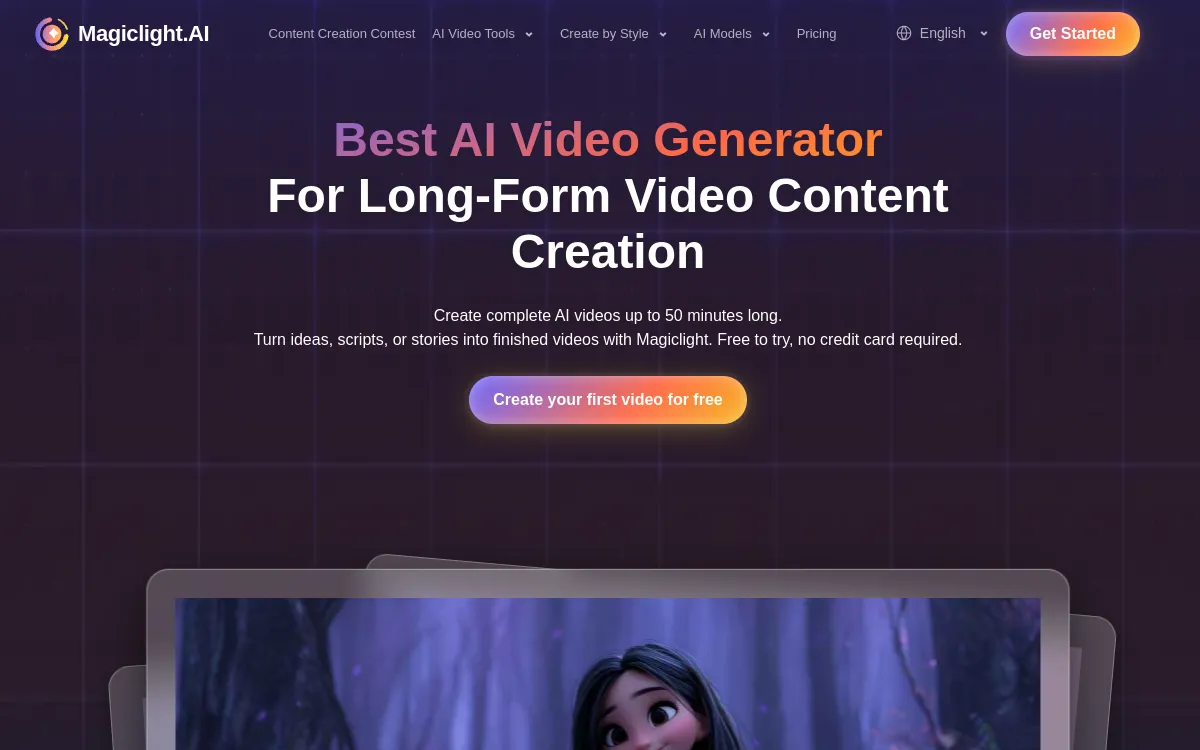
- Rating: 8.0/10, an all-in-one AI video platform, from script to export, that bundles several models
- Pricing: free plan with no card, paid from $7.50/month, commercial license on every plan
- For: creators who want to drive Seedance, Kling, Veo and Sora from a single interface, with avatars, voice and subtitles
- Against: credit-based system to watch, quality that depends on the chosen model, steeper learning curve than a single-task tool
What is MagicLight AI?
MagicLight AI is an AI video creation platform that covers the whole chain, from script to export. Where most tools stick to a single type of generation, MagicLight acts as a single control desk: you write or paste a script, pick a look, and the platform walks you all the way to a finished 1080p video, ready to publish.
Its signature is being multi-model. From the same interface, MagicLight gives access to several of the best-known video generation engines (Seedance, Kling, Veo, Sora) instead of locking you into one output. You no longer compare separate subscriptions: you pick the right model for each shot, then chain animation, avatars, voice and subtitles without switching tools.
The pricing runs on credits, with a free plan to try it (no card required), then progressively larger plans. Key point for creators who monetize: the commercial license is included on every plan, including the free one, and export is watermark-free.
Compare MagicLight AI against the leaders in our Best AI Video Generator 2026 guide, and see its direct rivals in our MagicLight AI alternatives.
4 Key Features of MagicLight AI
1. From Script to Video, in One Interface
This is the core of MagicLight. The platform handles text-to-video, image-to-video and above all script-to-video: you start from a long text, a screenplay or an idea, and the tool splits, illustrates and animates each sequence. Videos can run as long as 50 minutes, which takes it beyond short clips and into real narrative formats.
2. Multi-model Access
This is the argument that sets MagicLight apart from classic generators. Instead of a single engine, you access several cutting-edge models (Seedance, Kling, Veo, Sora) from the same account. In practice, you can reserve a very realistic model for a key shot, a faster model for filler sequences, and compare outputs without stacking subscriptions.
3. Avatars, Voice and Lip-sync
MagicLight does not stop at animated image generation. The platform includes avatars, voice cloning, lip-sync and animation. You can make a presenter talk, sync a voice onto a character and polish your video without turning to a second, avatar-only tool.
4. Subtitles, 1080p and Commercial License
On the finishing side, MagicLight adds automatic subtitles, exports in 1080p with no watermark and includes the commercial license on every plan. That is a real asset for pro use: what you produce is usable in ads, on YouTube or for client work, even on the free plan, with no licensing surprises.
Since billing runs on credits, plan your script before generating. Reserve the heaviest models (realistic rendering) for the important shots, and switch to a lighter model for secondary sequences. On the free plan, first test one model per family to spot the one that fits your style before spending paid credits.
Quality: Our Assessment
✅ Standout Strengths
- Multi-model: driving Seedance, Kling, Veo and Sora in one place saves real time.
- Complete chain: from script to export, with avatars and voice, without juggling five subscriptions.
- Long videos: up to 50 minutes, which very few platforms offer.
- Commercial license and 1080p watermark-free from the free plan: rare and welcome.
⚠️ The Limitations
- Quality varies by model: the output depends on the chosen engine, not on MagicLight itself.
- Credits: intensive use or heavy models burn through the quota fast.
- Learning curve: the interface does a lot, so it takes time to use it all.
- Hands, text and consistency: like on every AI generator, the usual flaws remain, depending on the model.
MagicLight AI Pricing 2026
MagicLight runs on credits, in US dollars. The free plan lets you try it with no card; paid plans mainly raise the monthly credit volume. The commercial license and watermark-free 1080p export are included everywhere. Pricing as of September 2026 (check the site, as MagicLight adjusts its offers regularly).
| Plan | Price | Included |
|---|---|---|
| Free | $0/month | Limited credits, no card, commercial license, 1080p watermark-free |
| Standard | $7.50/month | 8,000 credits/month |
| Plus ⭐ | $14/month | 27,000 credits/month |
| Pro | $22/month | 47,000 credits/month |
| Ultra | $45/month | 150,000 credits/month |
| Ultimate | $75/month | 280,000 credits/month |
Who Is MagicLight AI For?
Strengths & Limitations
- Multi-model access (Seedance, Kling, Veo, Sora)
- Script-to-video up to 50 min
- Avatars, voice, lip-sync built in
- 1080p watermark-free
- Commercial license on every plan
- Free plan with no card
- Quality tied to the model chosen
- Credits burn fast under heavy use
- Steeper learning curve than a simple tool
- AI flaws (hands, text) depending on the engine
- Credit pricing to watch at scale
- Consistency varies on very long formats
Our Verdict
An all-in-one platform that centralizes the best AI video models
MagicLight AI does not try to beat any single model: it brings them together. For a creator who wants to move from a script to a long video, pick the right engine shot by shot, add avatars, voice and subtitles, then export in 1080p watermark-free with a commercial license, it is one of the most complete choices on the 2026 market. The real limits are the credit system and the quality that depends on the selected model. If you only want the best raw output of a specific engine, look at Kling AI or Runway directly. But for versatility and long formats, MagicLight clearly earns its rating.
Best Alternatives to MagicLight AI
FAQ: MagicLight AI
Is MagicLight AI free?
Yes, MagicLight offers a free plan with no card and limited credits. It already includes the commercial license and watermark-free 1080p export. Paid plans start at $7.50/month (8,000 credits) and go up to $75/month (280,000 credits) depending on the generation volume you need.
Which video models does MagicLight AI give access to?
MagicLight is a multi-model platform: from the same interface, you access several of the most reputable generation engines, such as Seedance, Kling, Veo and Sora. You pick the model shot by shot based on the look you want.
Does MagicLight AI add a watermark?
No. Export is in 1080p with no watermark, and the commercial license is included on every plan, including the free one. Your videos are ready for professional use from the start.
Can you make long videos with MagicLight AI?
Yes. Thanks to script-to-video, MagicLight targets narrative formats and can generate long videos up to 50 minutes, where most generators stop at clips of a few seconds.
MagicLight AI or Kling AI?
Kling offers one of the best raw outputs of a single model. MagicLight bundles Kling and other engines, and adds script-to-video, avatars, voice and subtitles. Kling for a specific shot, MagicLight to drive several models and produce long formats from one interface.