
- Rating: 8.5/10 — the most accessible AI video generator for beginners
- Pricing: free plan (watermark) or $25/month (Plus plan)
- For: beginners, faceless YouTubers, marketers who want quick videos
- Against: based on stock footage, no cinematic AI generation
What is InVideo AI ?
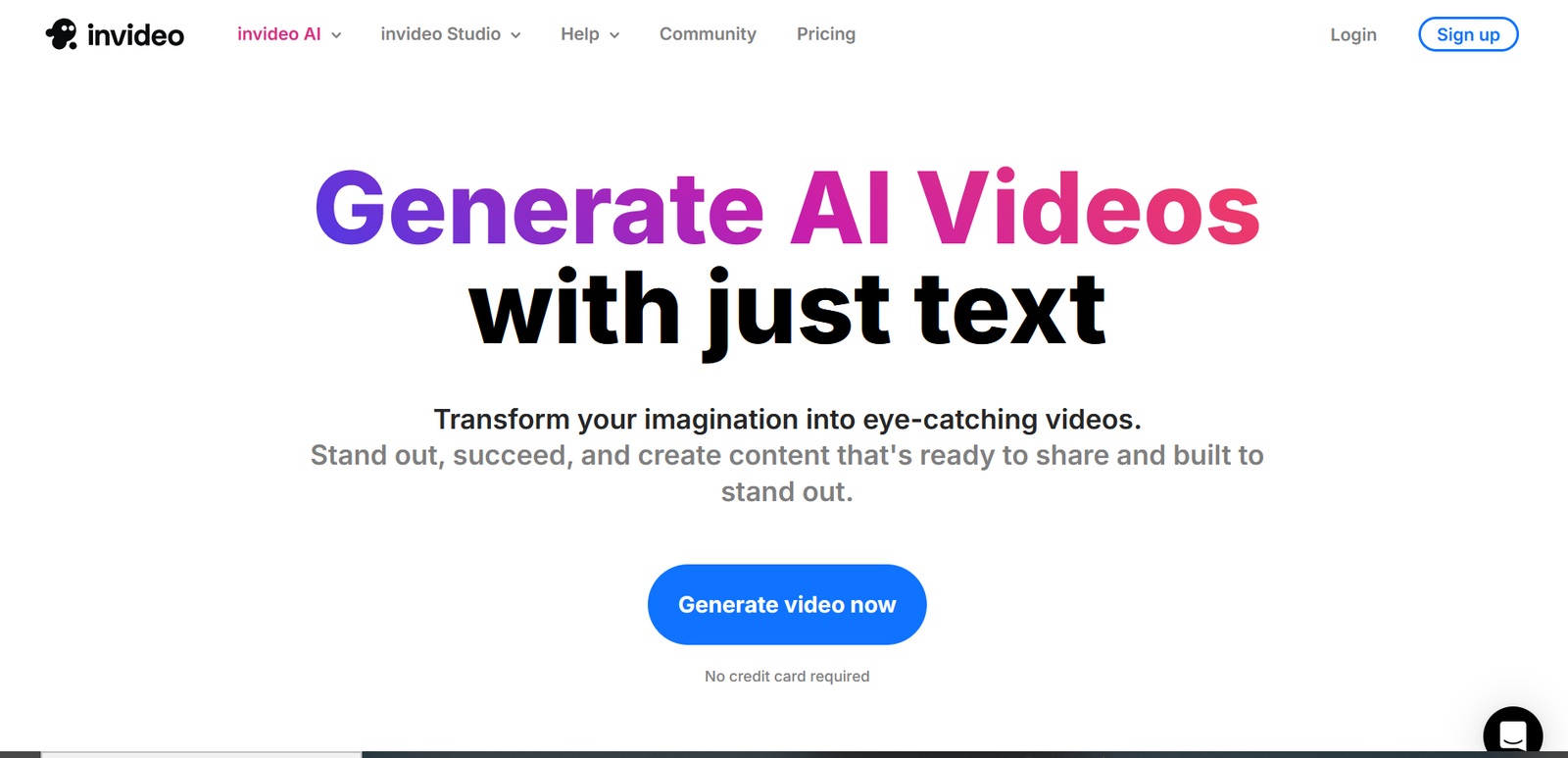
InVideo AI is the simplest AI video generator on the market. The concept: you describe your video in a single sentence (even in French) → the AI generates a complete edit with HD stock footage, music, voiceover and subtitles. In 3 minutes, with no technical skills. It's like having a pro video editor available 24/7.
Founded in 2019, InVideo has 30M+ users worldwide. The platform offers two modes: InVideo AI (prompt → auto video) and InVideo Studio (classic editor with templates). The free plan lets you test without a credit card — only a watermark is added.
InVideo AI is ranked #2 in our Best Text-to-Video AI 2026 and #4 in our Best AI Video Generator 2026.
5 Key Features of InVideo AI
1. Prompt → Complete Video in 3 Minutes
This is the magic of InVideo AI. You type: "Make a 2-minute video about the benefits of yoga for beginners, motivational style" → the AI selects stock clips, writes the script, adds a French voiceover, syncs the music and edits everything together. Zero skills required.
2. 16M+ Integrated HD Stock Media
InVideo gives access to the largest integrated stock footage library: iStock, Shutterstock, Storyblocks — 16 million+ video clips, photos and music tracks. The AI automatically selects the most relevant ones for your topic.
3. AI Voiceover in French
Multiple French voices available, male and female. Quality is good — not at ElevenLabs level, but sufficient for YouTube and social media. The AI automatically adjusts the voice rhythm to the edit.
4. Conversational Editing
After generation, you can modify the video by chatting with the AI: "shorten scene 3", "change the music to something more dynamic", "add subtitles". The AI understands and applies the changes. No need to touch a timeline.
5. InVideo Studio — The Classic Editor
In addition to the AI mode, InVideo offers a classic video editor with 5,000+ templates. Timeline, layers, transitions, animated text. For those who want more control without going through the AI prompt.
Be specific in your prompt: add the desired style ("professional", "dynamic", "minimalist"), target duration and tone (formal, friendly, humorous). The more detailed the prompt, the better the result. Example: "YouTube video 3 min, top 5 AI video tools, enthusiastic tone, tech music, French male voiceover".
Video Quality: Our Real Test
✅ What Works Well
- Auto editing — the AI does a good job selecting and assembling clips. The pacing is good.
- Thematic consistency — the selected clips match the requested topic well.
- Speed — 2-3 minutes for a 3-min video. Unbeatable.
- Subtitles — automatic, well-synced, multiple styles available.
⚠️ The Real Limitations
- Stock footage = generic — your video will look like many other videos using the same clips.
- No AI generation — InVideo doesn't create visuals, it assembles existing stock.
- Limited voiceover — decent but not at the level of ultra-realistic voices from Fliki or ElevenLabs.
- Customization — hard to break the mold with AI mode. Videos have a recognizable "InVideo look".
Pricing InVideo AI 2026
| Plan | Price/month | Included |
|---|---|---|
| Free | $0 | Unlimited videos, InVideo watermark, 720p export |
| Plus ⭐ | $25 | No watermark, 1080p, premium voices, iStock |
| Max | $60 | 4K, priority, unlimited storage, collaboration |
The free plan is sufficient for testing and even for posting on social media (the watermark is discreet). The Plus plan at $25/month is the sweet spot if you publish regularly — the 1080p and iStock access make the difference.
Who Is InVideo AI For?
Strengths & Limitations
- The simplest — prompt → video in 3 min
- Generous Free Plan — unlimited videos
- 16M+ stock media HD integrated
- French voiceover included
- Conversational editing — modify via chat
- 30M+ users — proven platform
- InVideo Studio — classic editor as bonus
- Stock footage = generic
- No pure AI generation
- Average voiceover vs competitors
- Recognizable "InVideo" look
- Watermark on free plan
- Limited customization in AI mode
Our Verdict
The simplest and most accessible — perfect for getting started
InVideo AI is the ideal tool if you want to go from zero to a published video in 5 minutes. Quality won't compete with Runway or Kling in terms of creativity, but for faceless YouTube, social media and volume content marketing, it's remarkably effective. The free plan is unbeatable for testing.
Alternatives to InVideo AI
FAQ — InVideo AI
Is InVideo AI free?
Yes. The free plan lets you create unlimited videos with an InVideo watermark and 720p export. It's the most generous free plan for text-to-video. The paid plan ($25/month) removes the watermark and upgrades to 1080p.
InVideo AI or Fliki: which to choose?
InVideo if you want the simplest (1 sentence → video). Fliki if you want more control (scene-by-scene editor, 2000+ voices). Both are excellent for text-to-video.
Does InVideo AI work in French?
Yes. French prompts are well understood. French voiceovers are available (male and female). The interface is in English but generated videos can be 100% in French.
Are InVideo videos unique?
No. InVideo uses stock clips shared by all users. Your video may contain the same clips as another InVideo video. For unique content, combine with Kling AI or Runway for generation.
Can you monetize InVideo videos on YouTube?
Yes, with the paid plan (commercial rights included). The free plan with watermark is not suited for YouTube monetization.