
- Suno AI = best overall - generates complete songs with vocals (limited free plan)
- Mubert = best BGM - royalty-free background music for videos/podcasts
- Udio = best realism - the most natural-sounding songs on the market
AI music exploded in 2026: Suno and Udio now generate complete songs - with vocals and lyrics - from a simple description. For a content creator, two needs stand out. Either you want to create a song (intro, jingle, original track), or you're looking for royalty-free background music to score your videos, podcasts and ads without risking a copyright strike. These are not the same tools. We compared the 5 leading AI music generators on their public offerings - advertised quality, commercial rights, pricing - to help you choose.
2026 Ranking - AI Music Generators
| # | Tool | Rating | Use case | Try |
|---|---|---|---|---|
| 🥇 | Suno AI | 8.8/10 | Complete songs | View → |
| 🥈 | Mubert | 8.5/10 | Royalty-free BGM | Try → |
| 🥉 | Udio | 8.3/10 | Realistic songs | View → |
| 4 | Kaiber | 8.0/10 | Visuals + music | Try → |
| 5 | Soundraw | 7.5/10 | Customizable music | View → |
#1 - Suno AI: the #1 song generator
Suno AI generates complete songs with lyrics and vocals at stunning quality. Describe the style (pop, jazz, lo-fi, cinematic) and the AI composes a 2-to-4-minute track in under a minute. Free plan with 50 credits/day (≈10 songs). For video creators, it's perfect for intros, jingles, outros and original themed music. The v4 release sharply improved vocal quality and structural consistency (verse/chorus).
- Complete songs - vocals + instruments + lyrics
- Studio quality impressive (v4)
- 50 free credits/day
- All genres, multilingual
- Commercial rights only on paid plans (from $8/month)
- No fine control over composition
- Vocals sometimes artificial on certain styles
#2 - Mubert: background music for creators
 Mubert🎧 BGM8.5/10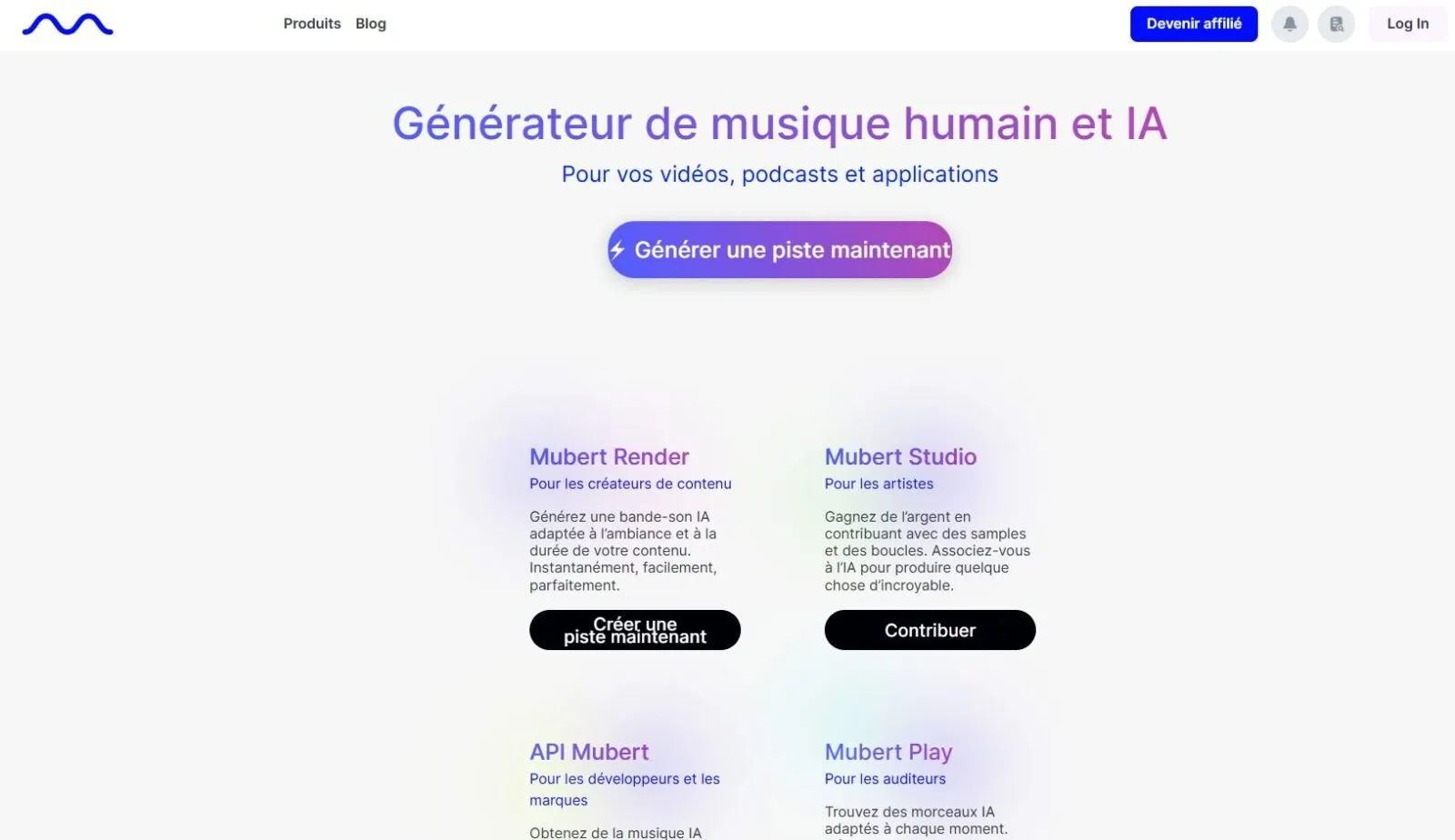
Mubert is built for video creators and podcasters. It generates royalty-free background music in seconds - lo-fi, cinematic, corporate, gaming. The big advantage: every track is unique (no copyright risk on YouTube or TikTok) and commercial rights are included from the Creator plan. That's the key difference from Suno: Mubert doesn't make a song "to listen to", it makes background scoring designed to sit under a voice.
- Unique music - zero Content ID risk
- Royalty-free commercial rights included
- Fast - a track in 10 seconds
- API for app integration
- No vocals or lyrics
- Limited control over composition
- Quality varies by prompt
#3 - Udio: the most realistic songs
Udio is Suno's main rival, and on one specific point it beats it: vocal realism. Udio's vocals often sound more natural, with better rendering of breaths and nuance. It's the pick for those who want an AI song that's hard to tell apart from a real one. The tool offers section-based editing ("extend", "remix") to rework a passage without regenerating everything. Free monthly plan, commercial rights on paid plans.
- Most realistic vocals on the market
- Section editing (extend, remix, inpainting)
- High-fidelity audio
- Free plan to test
- Fewer free credits than Suno
- Slightly steeper learning curve
- Commercial rights reserved for paid plans
#4 - Kaiber: audio-reactive visuals
Kaiber is not strictly a music generator, but its audio-reactivity feature is unique: you upload your music (made with Suno or Mubert, for example) and the AI generates visuals synced to the beat. Perfect for turning an audio track into a clip, for DJ sets, lyric videos and music content to post on YouTube or Instagram.
- Unique audio-reactivity - visuals locked to sound
- Infinite canvas Superstudio
- Multi-model video
- Doesn't generate music (visuals only)
- Expensive credit system
- $29/month minimum
#5 - Soundraw: fully customizable music
Soundraw takes the opposite approach to Suno: instead of a ready-made song, it lets you compose block by block. You pick the mood, genre and length, then adjust intensity, instruments and structure on a timeline. Ideal for editors who want music that fits the exact rhythm of their video. All generated music is royalty-free, with a clear license for YouTube and social.
- Fine control - intensity, instruments, structure
- Royalty-free with a clear license
- Intuitive interface for editors
- Unlimited downloads on subscription
- No vocals / singing
- Less "original" than Suno/Udio
- Subscription required to download
How to create AI music in 4 steps
Whether you want a song or background score, the method to create music with AI is the same:
- Define the use case - a song to listen to (Suno, Udio) or background music under a voice (Mubert, Soundraw). This determines the tool.
- Describe the style precisely - genre, mood, tempo (BPM), instruments, references ("in the style of a film score"). The more detailed the prompt, the better the result.
- Generate several versions - AI music is random: run 3 to 5 generations and keep the best. It's free or cheap in credits.
- Check the license before publishing - the step everyone forgets (see below).
AI music and copyright: what you need to know
This is THE point that can cost you a demonetization. The 2026 rule:
- Free plan ≠ commercial use. On Suno and Udio, songs generated on the free tier generally aren't allowed for commercial use (YouTube monetization, ads, client work). You need a paid plan to get the rights.
- Mubert and Soundraw include commercial rights from their creator plans, with a verifiable license - safer for a monetized channel or a client.
- "Royalty-free" doesn't mean "free." You get a usage license, not ownership: keep a record of your subscription and license in case a platform asks for proof.
Bottom line: for monetized content, go with a paid plan and favor a tool whose commercial license is explicit. The risk of a Content ID strike on "real" music is very real; a unique AI track removes it.
One more nuance creators miss: ownership of the output varies by tool and plan. Some grant you full ownership of the tracks you generate on paid tiers, others only a broad license to use them. If you plan to register a track, build a brand identity around it, or resell music to clients, read the terms - "you can use it commercially" and "you own it" are not the same thing. For 99% of YouTube and podcast use cases, a creator plan license is more than enough; the distinction only matters if music is your actual product.
Which tool should you choose?
The tools we did NOT select (and why)
Three popular AI music generators we reviewed but left out of the top 5:
- AIVA - excellent for orchestral and classical music, but too specialized for most general content creators.
- Beatoven.ai - a decent mood-based royalty-free option, but the catalog and quality still trail Mubert and Soundraw.
- Loudly - fine for quick BGM, but the interface and track consistency are less convincing than the picks above.
These tools remain valid depending on context. For most video creators in 2026, Suno (songs), Mubert (BGM) and Udio (realism) cover the essentials, from a free jingle to a secure commercial track.
FAQ - AI Music
What is the best AI music generator in 2026?
Suno AI for complete songs, Udio for vocal realism, Mubert for royalty-free background music, and Soundraw for fully customizable music matched to your edit.
Can you create AI music for free?
Yes. Suno offers 50 free credits/day, Udio a monthly quota, and Mubert a free plan. Note: the free tier usually doesn't grant commercial rights - you need a paid plan to monetize.
Is AI music royalty-free?
It depends on the plan. Mubert and Soundraw include commercial rights from their creator plans. On Suno and Udio, they're reserved for paid plans. On free tiers, always check the terms before publishing.
How do you make a song with AI?
With Suno or Udio: describe the style and theme (or paste your own lyrics), run the generation, listen to several versions and keep the best. You get a complete song with vocals in under a minute.