
- Creatify = best overall - product URL → automatic video ad, AdMax A/B testing (39$/month)
- Arcads = best UGC - 1,000+ AI actors for authentic ads (110$/month)
- Revid = best shorts/clips - viral videos optimized for social media
Creating a video ad cost thousands of dollars in 2024: filming, actors, editing, post-production. In 2026, AI generates a professional video ad in minutes - UGC, product showcases, testimonial videos - from a single product URL or a script. The win isn't only cost: you can produce 20 variants of the same ad, test them, and keep only the ones that convert. But between Creatify, Arcads, Revid and the others, which one fits your strategy? We compared the 5 leading AI video marketing tools on their public offerings to give you a clear, actionable verdict.
2026 Ranking - AI Video Ads
| # | Tool | Rating | Price | Try |
|---|---|---|---|---|
| 🥇 | Creatify | 9.0/10 | 39$/month | Try → |
| 🥈 | Arcads | 8.7/10 | 110$/month | Try → |
| 🥉 | Revid | 8.3/10 | 19$/month | Try → |
| 4 | InVideo AI | 8.0/10 | 25$/month | Try → |
| 5 | Atlabs | 7.8/10 | 19 $/mo (15 $/mo annuel) | Try → |
| 6 | HeyGen | 7.5/10 | 29$/month | Try → |
#1 - Creatify : the AI video ad specialist
 Creatify🏆 #1 AI Ads9.0/10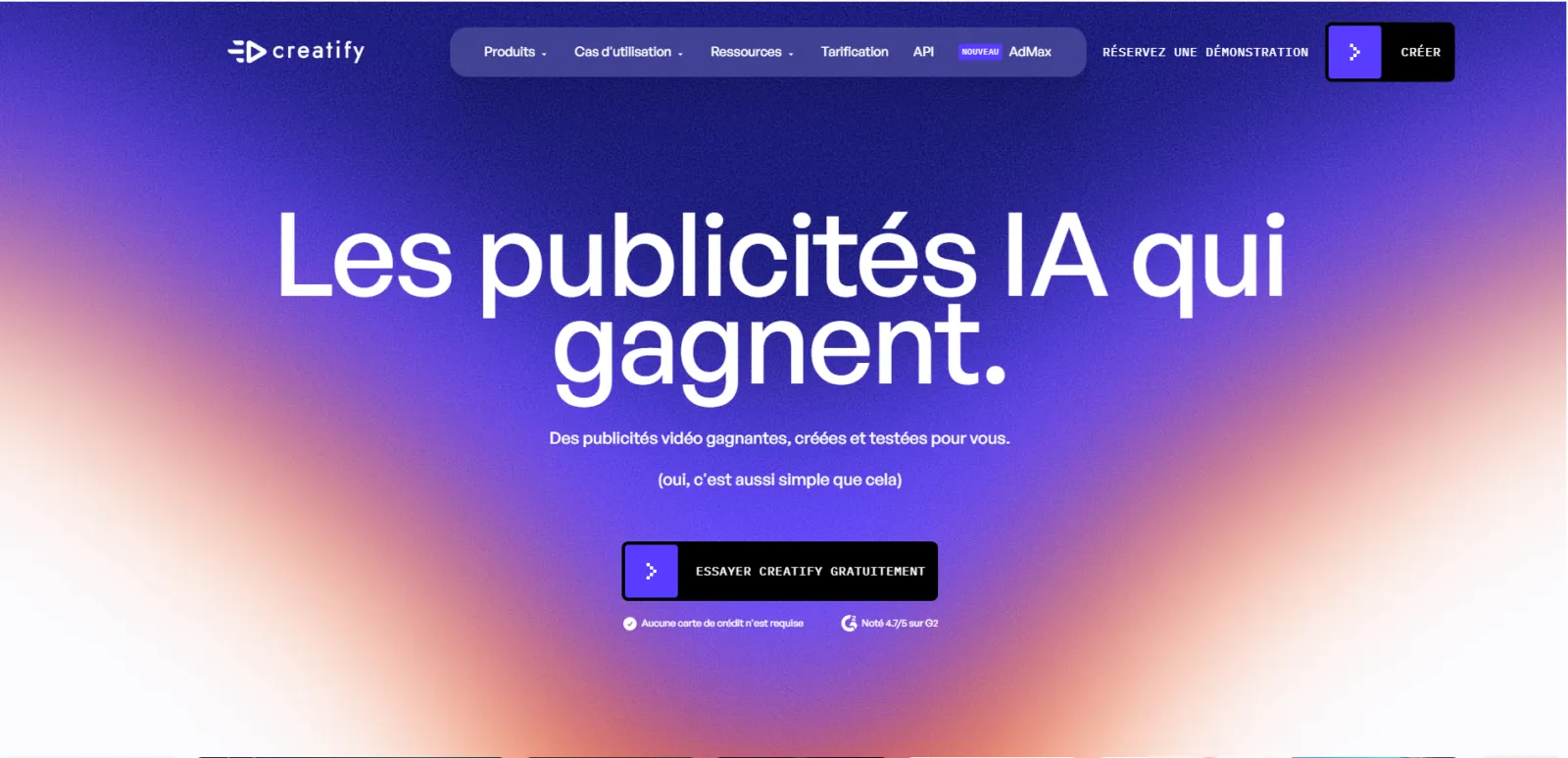
Creatify is built for e-commerce sellers and marketers. You paste your product URL, the AI analyzes the page and automatically generates a video ad ready to run on Meta, TikTok or YouTube. The AdMax module automatically tests variants and identifies those that convert best. Rated 4.7/5 on G2.
- URL → automatic video ad in 2 min
- AdMax - Automated A/B testing of variants
- Integrations Shopify, WooCommerce, Meta Ads
- AI Avatars for testimonials
- 4.7/5 on G2
- 39$/month - marketing investment
- Specialized in ads - not versatile
- English-only interface
#2 - Arcads : the king of AI UGC
 Arcads🎭 UGC8.7/10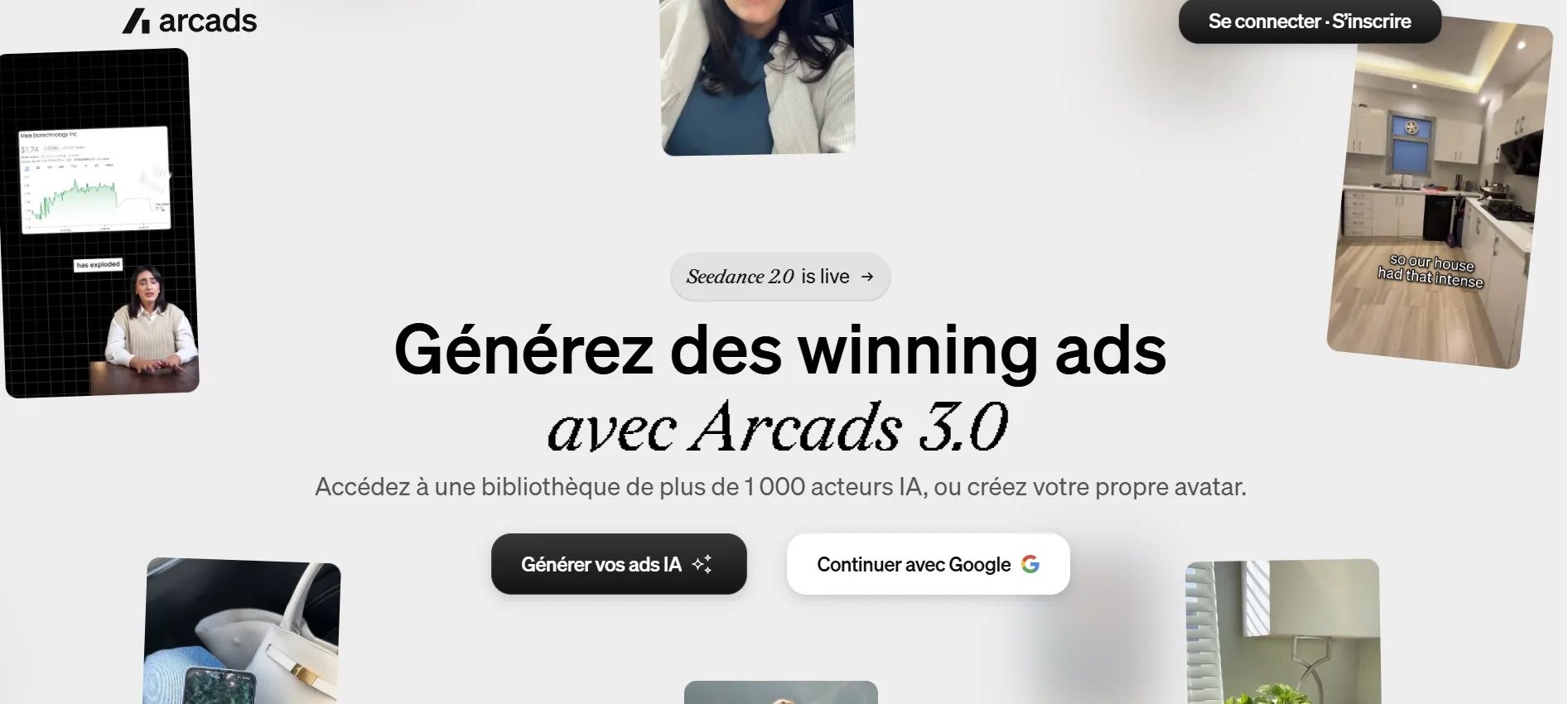
Arcads 3.0 excels in UGC-style ads (User Generated Content). Over 1,000 AI actors with natural looks, not corporate. The Sora integration boosts video quality, and Fashion Try-On is a game-changer for fashion e-commerce. The goal: ads that look like real customer testimonials.
- 1,000+ AI actors with natural UGC look
- Sora Integration
- Fashion Try-On for fashion
- Product Showcase automated
- 49$/month - the most expensive
- UGC niche only
- Variable results depending on script
#3 - Revid : the viral shorts creator
Revid specializes in creating viral short videos optimized for TikTok, Instagram Reels and YouTube Shorts. The AI generates catchy hooks, dynamic transitions and stylized subtitles. Perfect for brands that want to flood social media with video content quickly.
- Optimized for shorts/reels - native vertical formats
- AI-generated viral hooks
- Automatic stylized subtitles
- Competitive pricing - from $19/month
- No long format (>60s)
- Fewer customization options than Creatify
- No integrated AI avatars
#4 - InVideo AI : the most accessible
 InVideo AI🎯 Beginners8.0/10
InVideo AI is the simplest to create video ads when you have neither a production budget nor editing skills. Describe your ad in text → the AI generates a complete edit with HD stock footage, music, voice-over and subtitles. Free plan available (with watermark).
- Prompt → complete ad in 3 min
- 16M+ integrated stock media
- Free plan to try
- AI voice-over in multiple languages
- Based on stock footage (no pure AI generation)
- Sometimes generic results
- Watermark on free plan
#5 - HeyGen : ads with AI presenter
 HeyGen🤖 Avatars7.5/10
HeyGen is not strictly speaking an ad tool, but its presenter avatars are perfect for testimonial videos, product demos and ads with an AI spokesperson. Voice cloning in 40+ languages allows localizing an ad for the international market in a few clicks.
- Credible AI presenter
- Localization in 40+ languages
- Realistic testimonials
- No dedicated ad editing tool
- No A/B testing
- $29/month for secondary marketing use
Which tool to choose based on your ad strategy?
How to create an AI video ad in 4 steps
Whatever the tool, the workflow to create an AI video ad that converts follows the same logic:
- Starting source - paste your product URL (Creatify), pick an AI actor and write your script (Arcads), or describe your ad in text (InVideo). The AI pulls visuals, price and selling points automatically.
- Angle and hook - the first 3 seconds decide everything. Test several hooks: problem/solution, testimonial, demo, offer. The best tools suggest AI-generated hooks based on your target.
- Generating variants - don't settle for one version. Generate 5 to 10 variants (actor, hook, music, vertical/square format) in one click - this is where AI saves a huge amount of time.
- Test and iterate - run them on Meta or TikTok, let them run for 48h, keep the winners. Creatify's AdMax module automates this A/B testing loop.
The classic beginner mistake: polishing a single "perfect" ad. The power of AI is volume + testing. Produce a lot, measure, double down on what works.
How much does an AI video ad cost (and the real ROI)?
A video ad made by an agency or freelancer costs between $300 and $3,000 per unit, with delivery in several days. With an AI tool, the budget drops to $19 to $49/month for an unlimited (or large) number of generations.
- Revid - from $19/month, ideal if you mostly produce TikTok/Reels shorts.
- InVideo AI - free plan to test, $25/month to remove the watermark.
- Creatify - $39/month, paid off as soon as AdMax A/B testing lowers your cost per acquisition.
- Arcads - /mo10/month, the most expensive, but AI UGC replaces creators paid $50 to $200 per video.
The real ROI doesn't come from the subscription, but from the number of tests you can run. Where an agency delivers 2 ads, AI generates 30 - and it's by testing 30 angles that you find the ad that scales.
One caveat worth flagging: an AI tool gives you the production, not the strategy. The best ad in the world fails on the wrong audience or a weak offer. Treat these tools as a way to test more hypotheses faster, not as a substitute for understanding your customer. The marketers who win with AI ads are the ones who already know their angles - they just used to be bottlenecked by production time, and now they aren't.
The tools we did NOT select (and why)
Three popular AI video ad tools we reviewed but left out of the top 5:
- AdCreative.ai - excellent for static visuals and banners, but its video generation lags behind Creatify on the ad format.
- Pencil (Brandtech) - powerful for big brands with large budgets, but the tool is expensive and built for teams, not solos and SMBs.
- Pictory - good for repurposing an article or webinar into video, but it's not really an ad tool (no UGC actors, no A/B testing).
These tools remain valid depending on context. For most e-commerce sellers and marketers in 2026, Creatify, Arcads and Revid better cover the real need: producing converting ads fast, at a controlled cost.
FAQ - AI Video Ads
What is the best tool to create AI video ads?
Creatify for e-commerce (URL → auto ad, A/B testing). Arcads for UGC. Revid for viral shorts. It all depends on your strategy.
Can you create AI video ads for free?
InVideo AI offers a free plan (with watermark). For the others, expect between $19/month (Revid) and /mo10/month (Arcads).
Do AI ads actually convert?
Yes. UGC ads generated by Arcads and variants tested by Creatify AdMax achieve CTRs comparable to agency-produced ads - for a fraction of the cost.
Creatify or Arcads: which one to choose?
Creatify if you sell products (URL → auto ad). Arcads if you want authentic UGC with AI actors. Both are complementary.
How do you create an AI video ad from a product URL?
With Creatify, paste your product page URL: the AI extracts images, price and selling points, then generates a video ad ready to run on Meta or TikTok in minutes. You can then generate variants and test them with AdMax.