
- HeyGen = best overall - #1 on G2, 300+ avatars, perfect lip-sync, voice cloning in 40+ languages ($29/mo)
- Synthesia = best for corporate - 230+ avatars, 140 languages, GDPR compliance ($18/mo)
- Vidnoz = best free option - avatars + face swap + text-to-video with no credit card required
An AI avatar lets you create a video with a hyperrealistic virtual presenter who speaks your script in 40+ languages - no camera, no shoot. Whether you want to create an AI avatar from scratch, generate one from a photo, or clone your own face, the right tool depends on your use case. We compared the top 5 (HeyGen, Synthesia, Vidnoz, Arcads, D-ID) on their public offerings to give you a clear verdict.
2026 Ranking - Comparison Table
| # | Tool | Rating | Price | Try |
|---|---|---|---|---|
| 🥇 | HeyGen | 9.2/10 | $29/mo | Try → |
| 🥈 | Synthesia | 8.8/10 | $18/mo | Try → |
| 🥉 | Vidnoz | 7.8/10 | Free | Try → |
| 4 | Arcads | 7.5/10 | /mo10/mo | Try → |
| 5 | D-ID | 7.0/10 | $5.90/mo | View → |
#1 - HeyGen: The Best AI Avatar Tool
 HeyGen
🏆 #1 Avatars
9.2/10
HeyGen
🏆 #1 Avatars
9.2/10
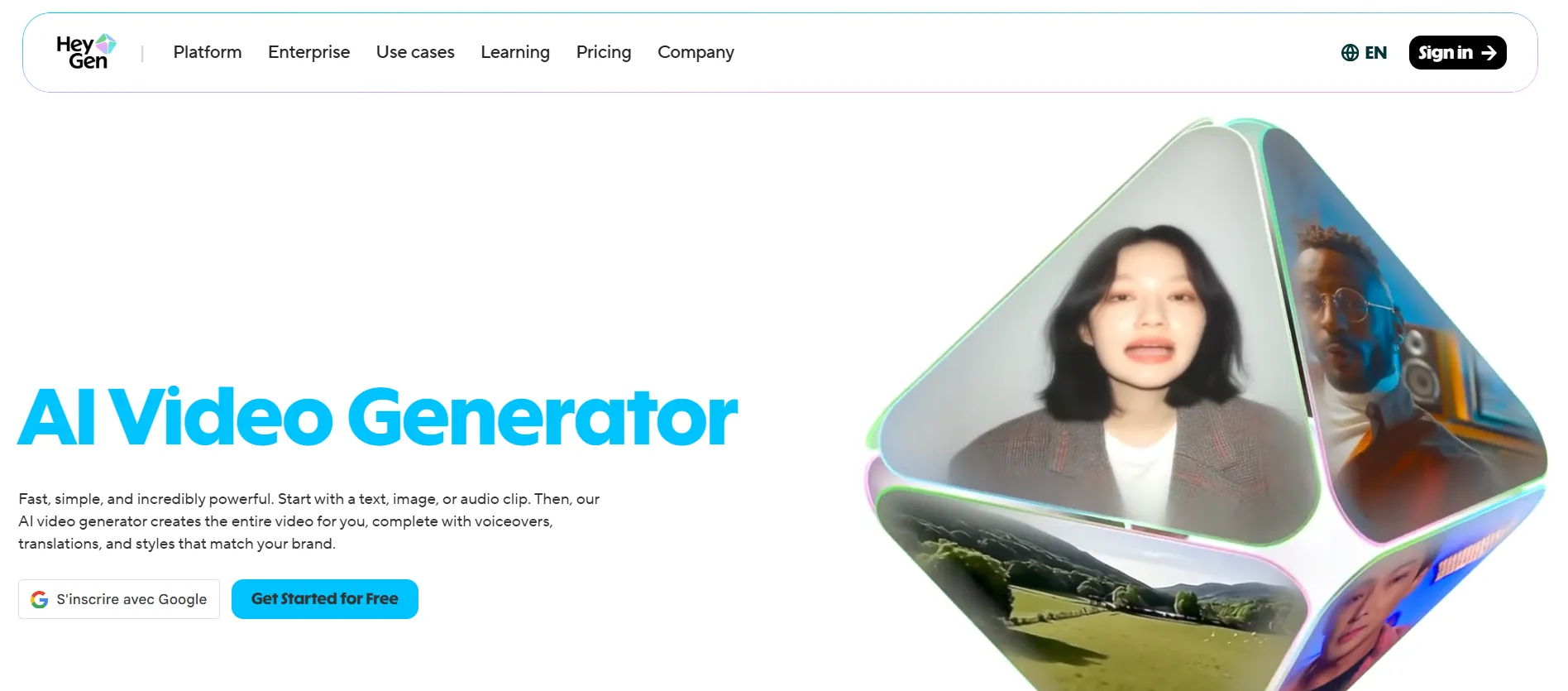
HeyGen is the absolute reference for AI avatars in 2026. Ranked #1 on G2, it offers more than 300 hyperrealistic avatars, voice cloning in 40+ languages (including excellent native French), and the best lip-sync on the market. The "Video Translate" feature lets you transform an existing video into 40 multilingual versions - a game-changer for international marketing.
- #1 on G2 - the market reference
- 300+ hyperrealistic avatars with natural gestures
- Voice cloning in 40+ languages with perfect lip-sync
- Video Translate - localize a video into 40 languages
- Powerful API for automation
- Clone your own avatar in just a few minutes
- $29/mo minimum - not cheap
- Very limited free plan (1 min)
- Some avatars have a slight "uncanny valley" feel
- No built-in advanced video editor
| Plan | Price | Included |
|---|---|---|
| Free | $0 | 1 min, 1 avatar, watermark |
| Creator | $29/mo | 15 min, all avatars, voice cloning |
| Business | $89/mo | 30 min, API, custom avatar |
#2 - Synthesia: The Corporate and Training Choice
 Synthesia
🏢 Corporate
8.8/10
Synthesia
🏢 Corporate
8.8/10
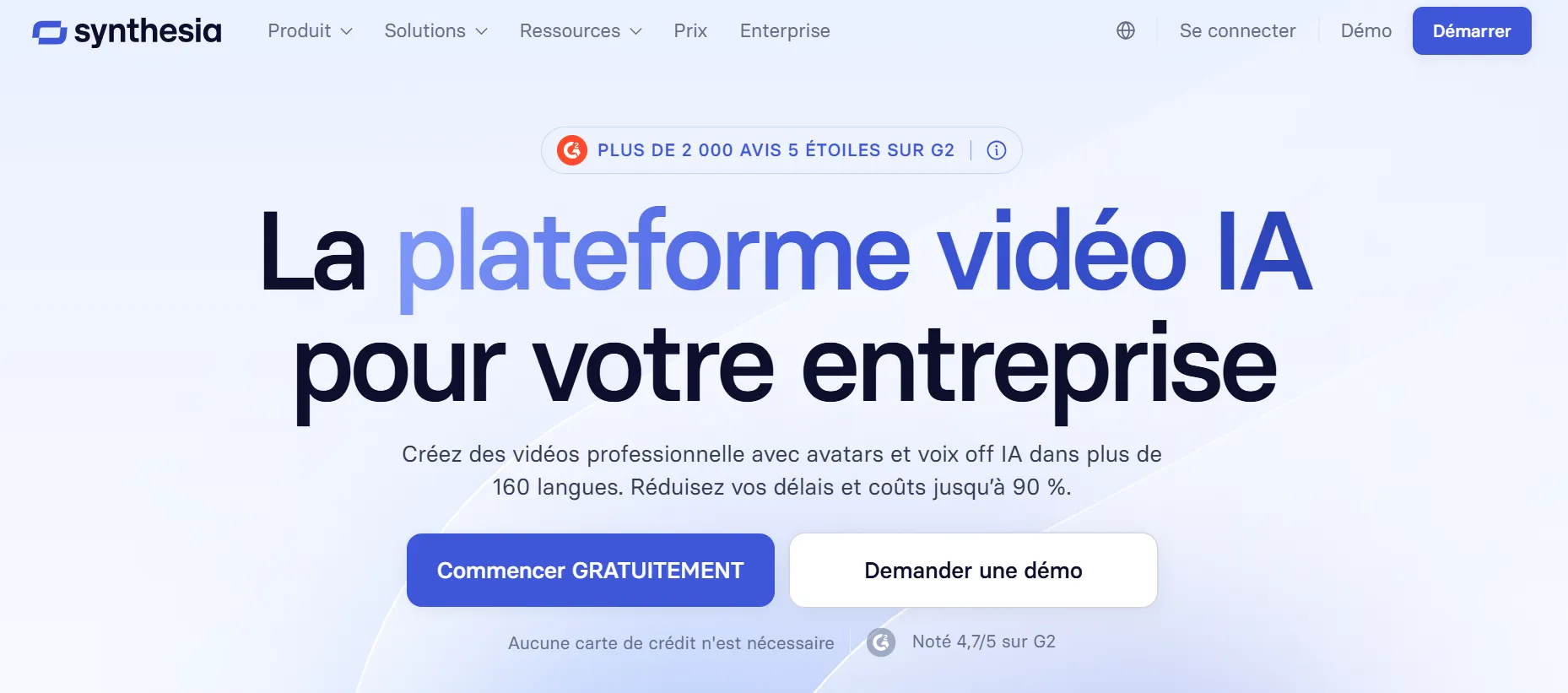
Synthesia is the leader in enterprise AI video. More than 50,000 companies use it (Amazon, Xerox, BBC). Its strong point: an interface as simple as PowerPoint, 230+ pro avatars and support for 140+ languages. "Best AI Video Generator Winter 2026" badge on G2 (4.7/5). SOC 2 and GDPR compliant.
- PowerPoint interface - zero learning curve
- 140+ languages - the most multilingual on the market
- Enterprise compliance - SOC 2, GDPR, SSO
- Pro templates - training, onboarding, marketing
- Team collaboration built-in
- Less creative than HeyGen (very corporate-oriented)
- No free plan (limited trial)
- Avatar cloning more expensive than HeyGen
- Limited gesture customization
#3 - Vidnoz: The Best Free AI Avatar
 Vidnoz
🆓 Free
7.8/10
Vidnoz
🆓 Free
7.8/10
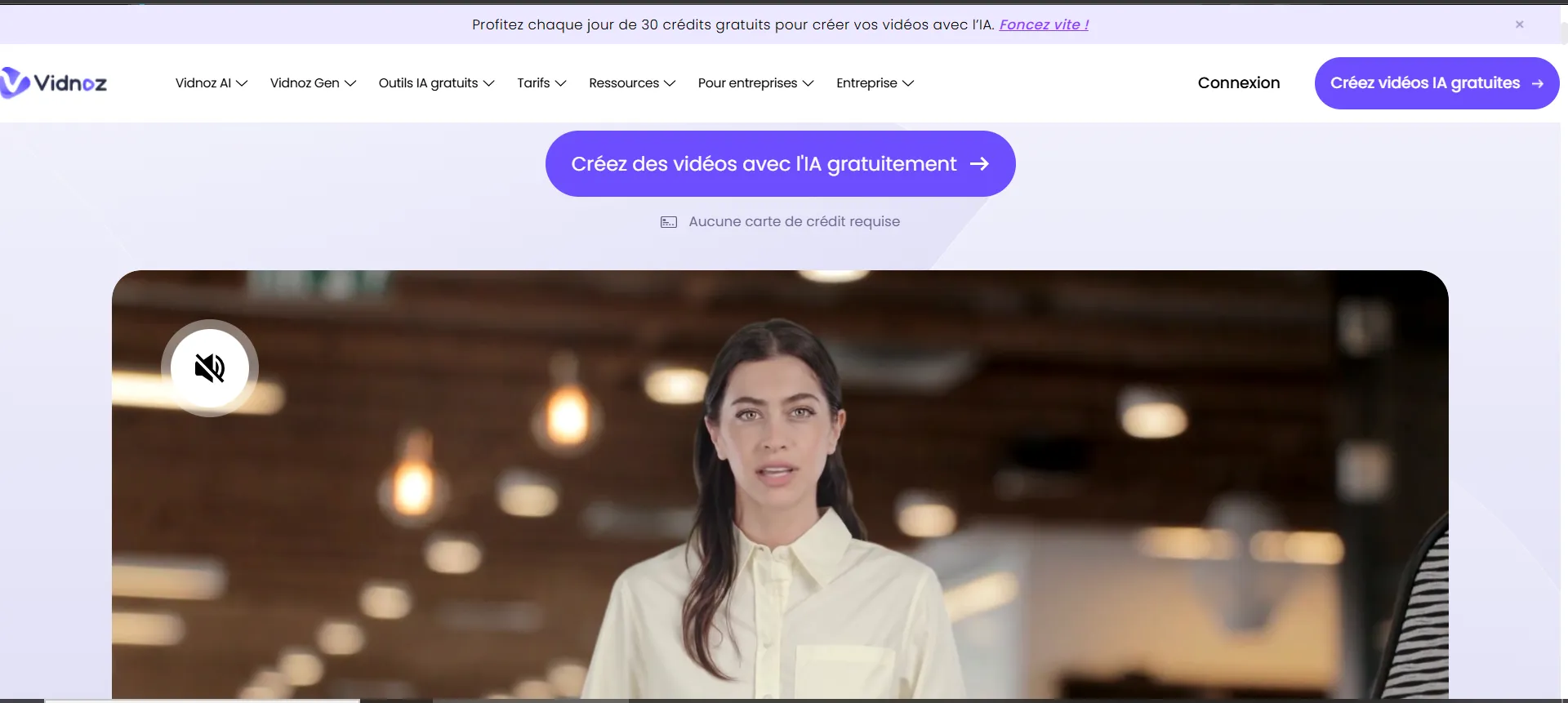
If you don't want to pay, Vidnoz is the best option for AI avatars in 2026. Free plan with no credit card including avatars, text-to-video, face swap and voice-over. The quality is lower than HeyGen/Synthesia, but it's perfect for testing and for small budgets.
- Free - avatars, face swap, text-to-video with no credit card
- Multi-language interface
- Face swap - unique among free plans
- Video templates ready to use
- Avatars less realistic than HeyGen/Synthesia
- Watermark on some features
- AI voices decent but not exceptional
- Limited duration on free plan
#4 - Arcads: AI Avatars for UGC Ads
 Arcads
🎭 UGC Ads
7.5/10
Arcads
🎭 UGC Ads
7.5/10
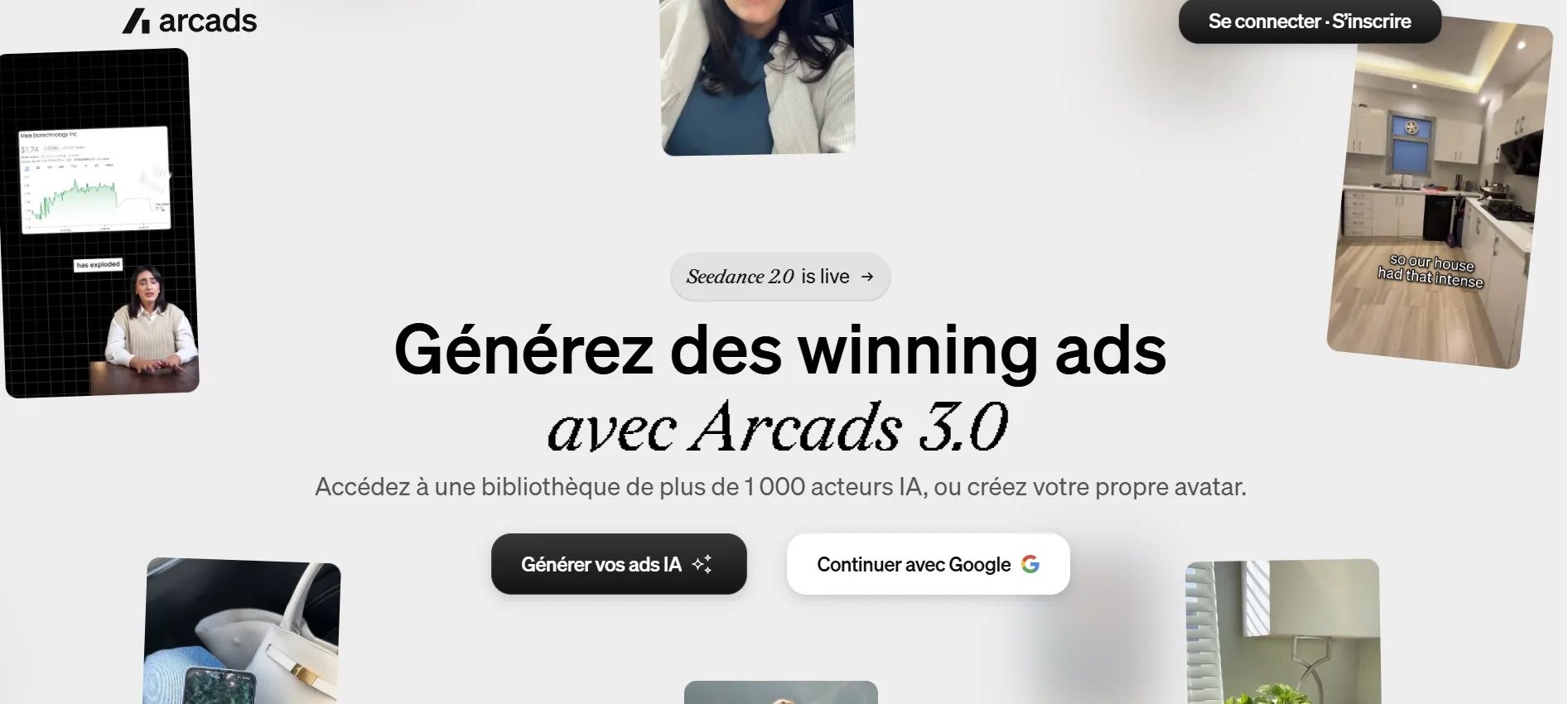
Arcads 3.0 specializes in AI avatars for UGC-style ads (User Generated Content). More than 1,000 AI actors with natural looks, not corporate. The goal: create ads that look like real customer testimonials. Sora integration for video generation and Fashion Try-On for fashion e-commerce.
- 1000+ actors with natural UGC style
- Sora integration for generation
- Fashion Try-On for e-commerce
- Authentic ads that convert
- $49/mo - the most expensive in this comparison
- Ads/UGC niche only
- No corporate or training use
#5 - D-ID: The Photo-to-Video Innovator
D-ID stands out with its photo-to-video technology: upload any photo and the AI animates it with realistic facial movements. Ideal for bringing profile photos, illustrations or portraits to life. The API is used by many third-party apps. Low entry price ($5.90/mo) but limited credits.
- Photo → video - animate any image
- Low entry price - $5.90/mo
- Popular API - third-party integrations
- Creative Reality Studio advanced
- Quality lower than HeyGen/Synthesia
- Very limited credits on the base plan
- Facial movements sometimes artificial
Which AI Avatar Should You Choose Based on Your Needs?
How to Create an AI Avatar (from scratch or from a photo)
There are three ways to create an AI avatar depending on the result you want:
- Ready-to-use avatar - pick a presenter from the library (300+ at HeyGen, 230+ at Synthesia), type your script, and the AI generates the video. Fastest option, no photo needed.
- AI avatar from a photo - upload a single photo (or portrait) and the tool animates it with realistic lip-sync. This is the specialty of D-ID (photo-to-video) and Vidnoz (free face swap). Ideal for bringing a portrait or illustration to life.
- Clone your own face - record 2 minutes of webcam footage and the tool builds your personal avatar. HeyGen's "Instant Avatar" feature is the reference for this.
For a free AI avatar generator, start with Vidnoz (avatars + face swap, no credit card) or HeyGen's free trial (1 minute). For regular pro use, HeyGen or Synthesia remain the most reliable picks.
🎯 Simulator - Which AI Avatar Is Right for You?
1. What is your goal?
The AI avatar tools we did NOT select (and why)
For the sake of honesty, here are three popular AI avatar tools we reviewed but left out of the top 5:
- Colossyan - great for corporate training (conversational avatars, branching), but the interface is less intuitive than Synthesia and pricing climbs fast once you need several seats.
- Synthesys - a large library of voices and avatars, but the video avatar output still lags behind HeyGen on natural gestures and lip-sync quality.
- DeepBrain AI (AI Studios) - very realistic avatars and strong Korean/Asian support, but the tool is mainly built for large accounts and onboarding is heavier.
These tools remain solid options depending on context. For most creators and SMBs in 2026, though, HeyGen, Synthesia and Vidnoz better cover the real needs - creating an avatar fast, generating one from a photo, or starting for free.
FAQ - AI Avatars
What is the best AI avatar tool in 2026?
HeyGen is the #1 overall with 300+ avatars, voice cloning in 40+ languages and the best lip-sync on the market. For corporate use, Synthesia is preferable (GDPR compliance). For free use, Vidnoz.
Can you create an AI avatar for free?
Yes. Vidnoz offers a free plan with avatars, face swap and text-to-video with no credit card required. HeyGen offers 1 free minute to test. D-ID has a limited free trial.
HeyGen or Synthesia: which one to choose?
HeyGen if you want creativity, voice cloning and an active community. Synthesia if you're looking for GDPR compliance, ultra-simple interface and team collaboration. Both are excellent.
How do you create an AI avatar from a photo?
Upload your photo to a photo-to-video tool: D-ID animates it with realistic facial movements, and Vidnoz offers a free face swap. To clone your real face into a talking avatar, HeyGen's "Instant Avatar" needs just 2 minutes of webcam footage.
Is there a free AI avatar generator?
Yes. Vidnoz is the most complete free AI avatar generator (avatars, text-to-video, face swap, no credit card). HeyGen offers 1 free minute and D-ID a limited trial to test the quality.
Are AI avatars detectable?
The avatars from HeyGen and Synthesia are nearly indistinguishable from real presenters. However, a trained eye can spot artificial micro-expressions. For ads, they convert very well.